
How to Make a Professional Headshot from a Selfie with AI

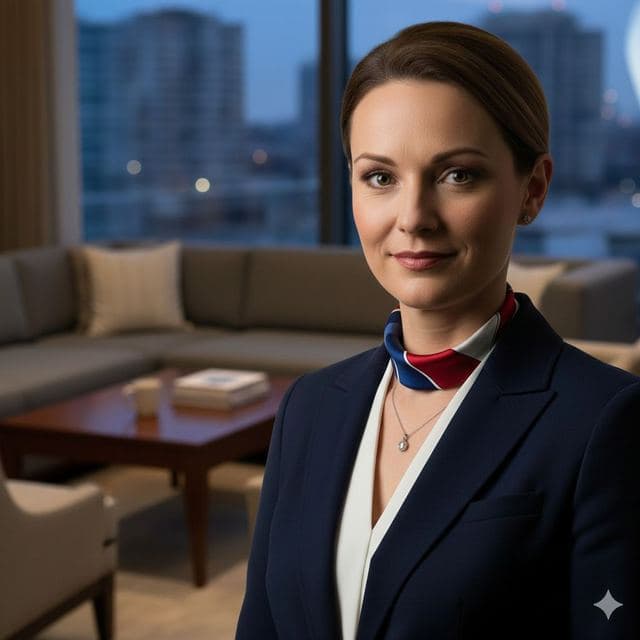

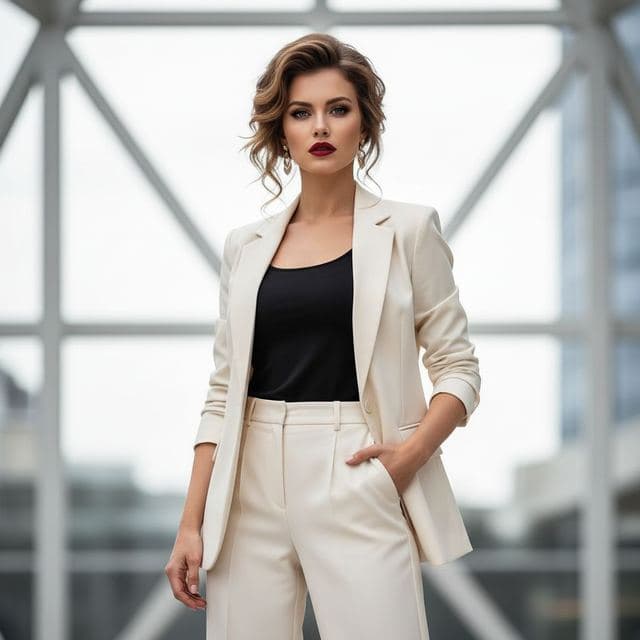
You can turn a selfie into a usable professional headshot by swapping your face onto a portrait that already has the blazer, the office background and studio lighting.
In Face Swap AI the closest matches are Smart Casual, Minimalist, Tech Startup CEO and Investment Banker. Take a selfie by a window, pick one of those, and you'll have a headshot in under a minute.


What makes a headshot look professional
- The camera is at eye level.
- Soft light from the front or slightly to one side, without harsh shadows.
- A plain or softly blurred background (office, wall or window).
- Shoulders in frame, simple clothes in solid colors.
- A relaxed expression with a small smile.
Templates handle the last three for you. The first two depend on your selfie.
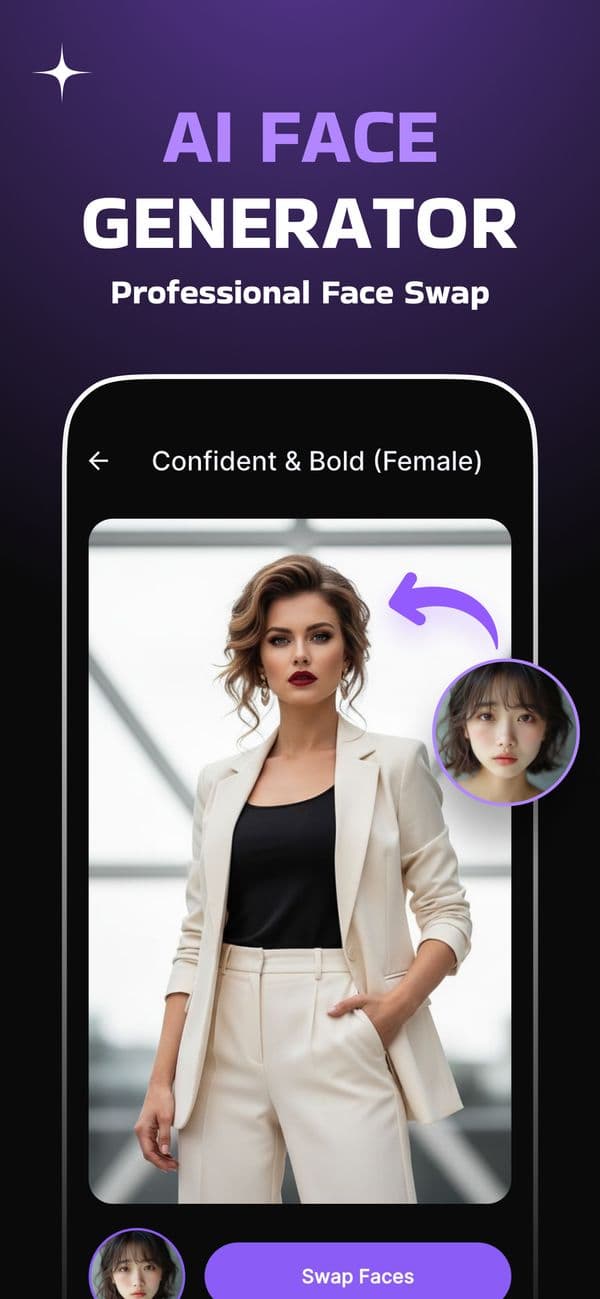
Take a selfie that works for a headshot
- Stand facing a window during the day, with no lamp behind you.
- Hold the phone at eye level, arm straight. Or prop it up and use the 3-second timer.
- Use the 1x lens. Wide-angle selfies make noses look bigger at close range.
- Relax your face and smile a little, like you're on a video call.
- Take five or six shots and keep the sharpest one.
Face swap templates that work as headshots
- Smart Casual and Minimalist from Casual & Lifestyle: chest-up, simple backgrounds.
- Tech Startup CEO and Investment Banker from Dream Jobs: office settings, blazers.
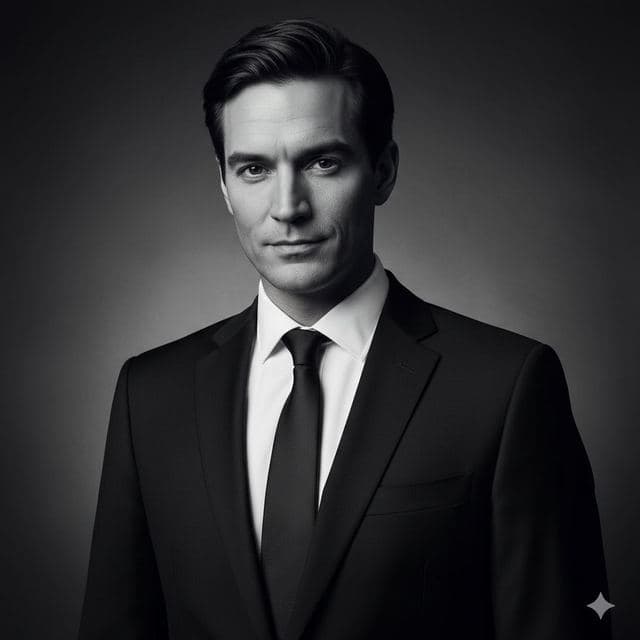
- Luxury Executive from Luxury & Glamour: boardroom, suit and tie.
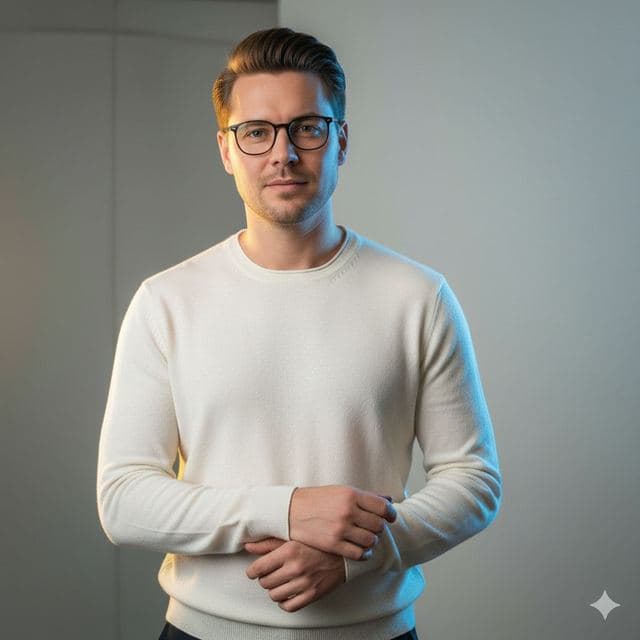


Keep a work headshot honest
The person who hires you will see you on a video call within a week. Choose a template with hair similar to yours, don't jump decades in age, and avoid anything that changes your build. The goal is a better-lit, better-dressed version of you.
If a template changes your look too much, Smart Casual and Minimalist are the closest to a real office photo shoot.
AI headshot generator vs. face swap
Headshot generators ask for 10 to 20 photos, train on them for 20 minutes or more, and return dozens of new images, some of which won't look like you.
A face swap uses one selfie and a real portrait photo, finishes in under a minute, and lets you pick exactly which template you want. It's quicker when you already know the look you're after.
Questions
Can I use an AI headshot on LinkedIn?
Many people do. The photo should look like you do on a video call: same hair, same age, similar build. Smart Casual and Minimalist templates stay closest to a real photo shoot.
How many headshots can I make?
As many as you like. PRO includes unlimited swaps, so you can try several templates and selfies before picking the one you'll use.
Keep reading
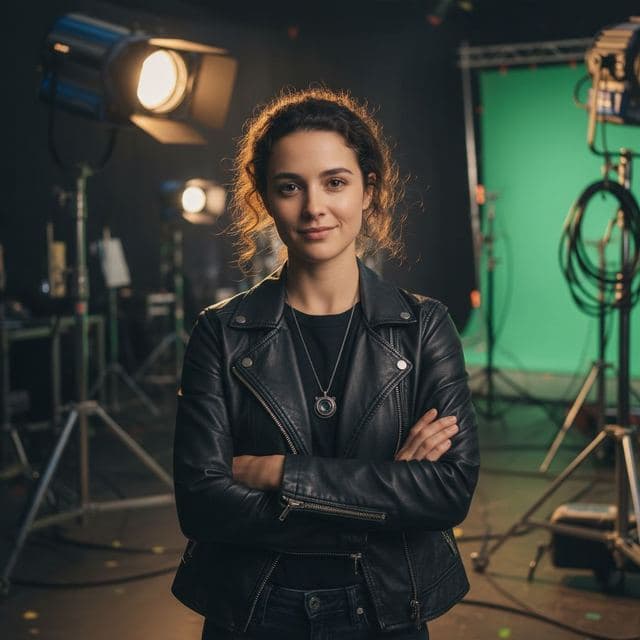
Dream Job Face Swap Templates
Put your face on a tech CEO, film director, fashion designer, investment banker or bestselling author. 16 dream job face swap templates for iPhone.
8 tips for a realistic face swap
Why some face swaps look fake and how to fix it: angle, light, sharpness, expression, hair, glasses and skin tone. Eight tips for any AI face swap app.

Face changer AI: how it works
Face changer AI for iPhone and Android. Put your face into 60+ photo templates or change faces between any two photos. Ready in under a minute.