
Casual Lifestyle Face Swap Templates
Not every photo needs a tuxedo. The Casual & Lifestyle templates are the everyday ones: a morning run in the park, a sweater and a mug by the fireplace, a rooftop terrace, a city balcony at night.
Because they look like photos a friend could have taken, they're the most believable results in the app. They make good profile pictures, avatars and "what I'd look like with that haircut" experiments.


8 Casual & Lifestyle templates

Natural Casual
Natural Outdoor Profile Picture

Smart Casual
Smart Casual Headshot
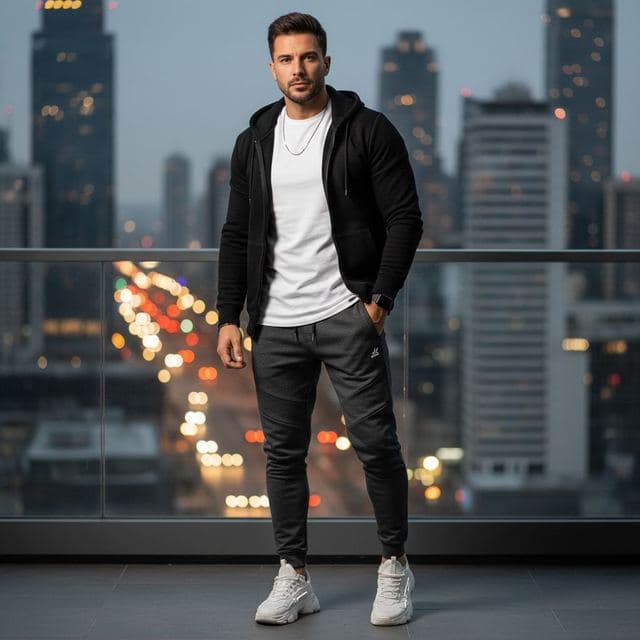
Urban Casual
City Night Photo of Yourself

Minimalist
Minimalist Profile Picture

Weekend Casual
Coffee Shop Aesthetic Photo
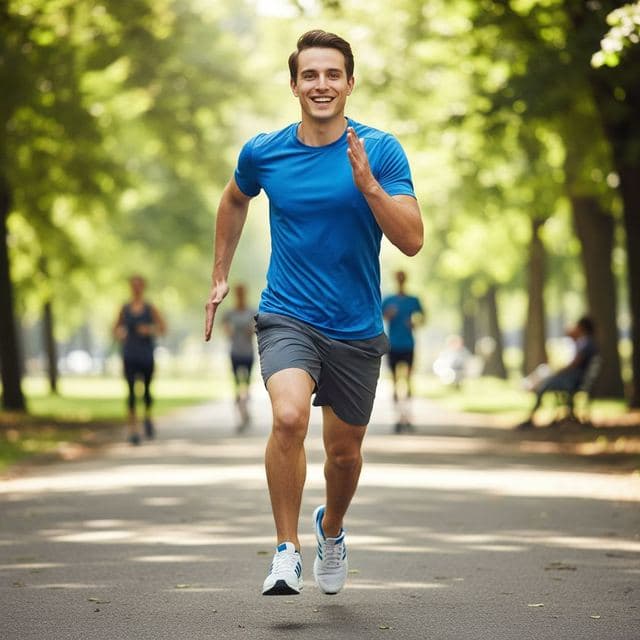
Active Lifestyle
Running and Fitness Profile Picture
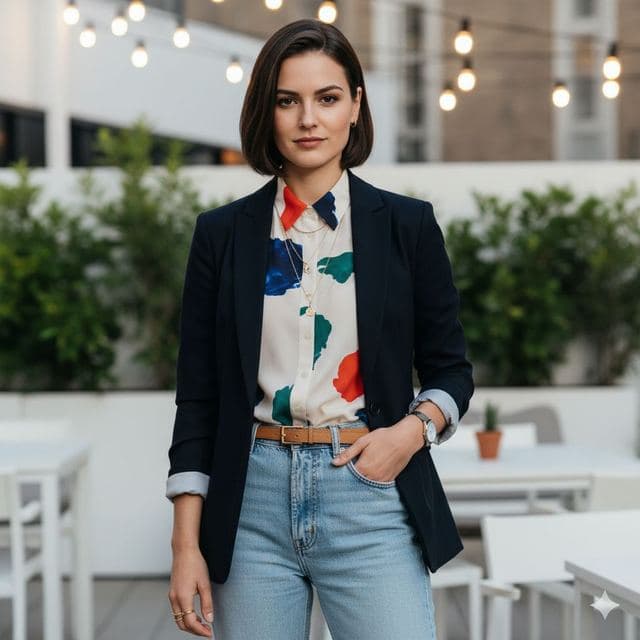
Trendy Casual
Rooftop Photo of Yourself

Cozy Casual
Cozy Fireplace Photo
Best for
- Profile pictures that look candid
- Avatars for work chat, forums and gaming profiles
- Trying a different style of clothing before buying it
How to use these templates
- Download Face Swap AI and choose the Female or Male tab.
- Scroll to Casual & Lifestyle and tap a template.
- Add a clear selfie from your camera or gallery and tap Swap Faces.
- Save the result to Photos or share it.
Making a casual swap look candid
- Pick a template with a background you'd plausibly be in. A cozy reading corner is more believable than a city you've never visited.
- Minimalist has a plain light backdrop, which makes it the safest choice for a clean avatar.
- Crop the saved photo to a square in the Photos app if you're using it as an avatar. The face is roughly centered in most of these templates.
Questions
Which template is best for a profile picture?
Minimalist and Smart Casual. Both are chest-up portraits with simple backgrounds, so the face stays the focus when the photo is shown small.
Do I need a professional photo to start?
No. A normal front-camera selfie in good light is enough. The template supplies the setting, clothes and lighting.
Related guides
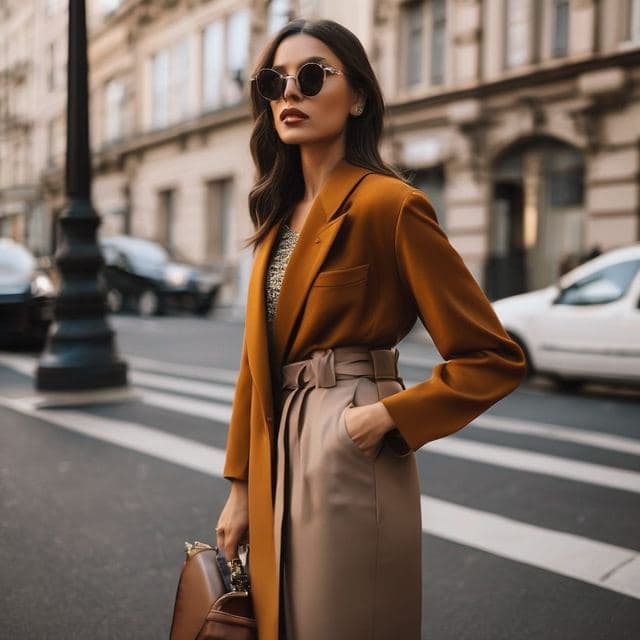

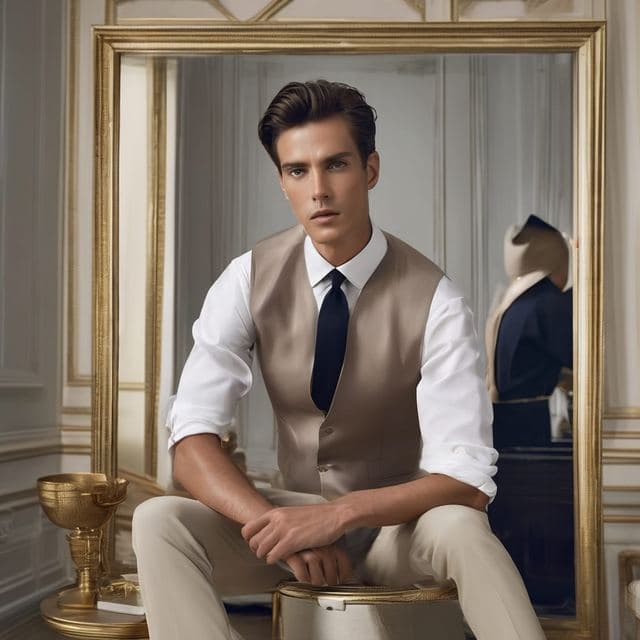
AI dating profile photos, done honestly
Use AI face swap to make better dating profile photos without catfishing. Which shots to make, which templates fit, and what to keep real.


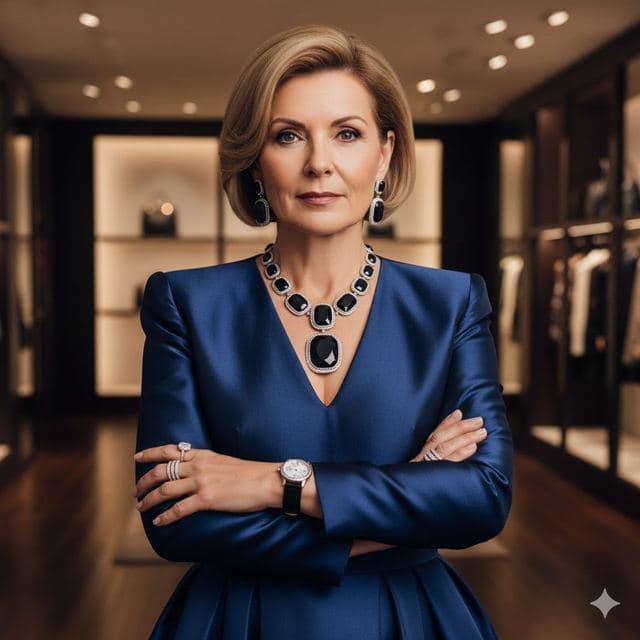
AI photo face swap, with real examples
AI photo face swap for iPhone and Android: put your face into a styled photo template or swap faces between any two pictures. Ready in under a minute.

Is AI face swap safe?
What happens to your photo in an AI face swap app, how long it's kept, and the consent rules to follow. Plus Face Swap AI's privacy policy in plain English.