
Luxury Portrait Face Swap Templates
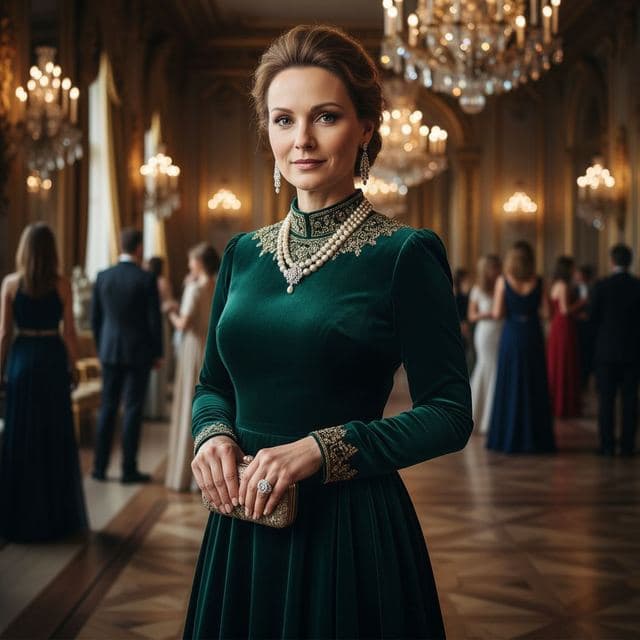
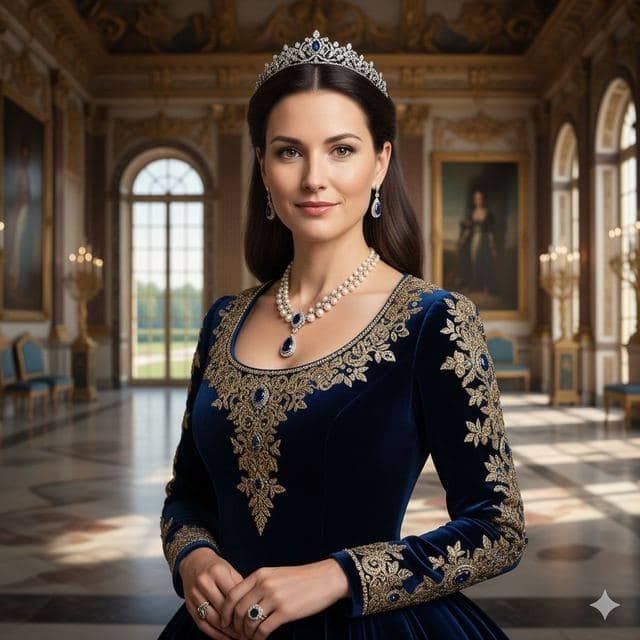
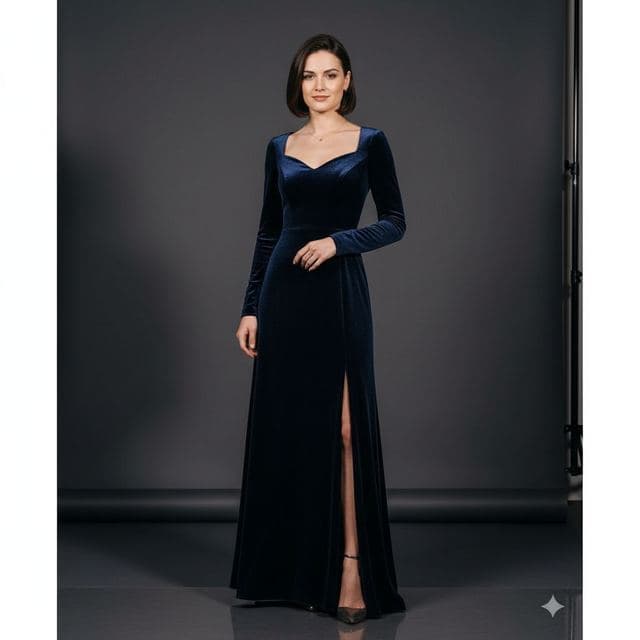
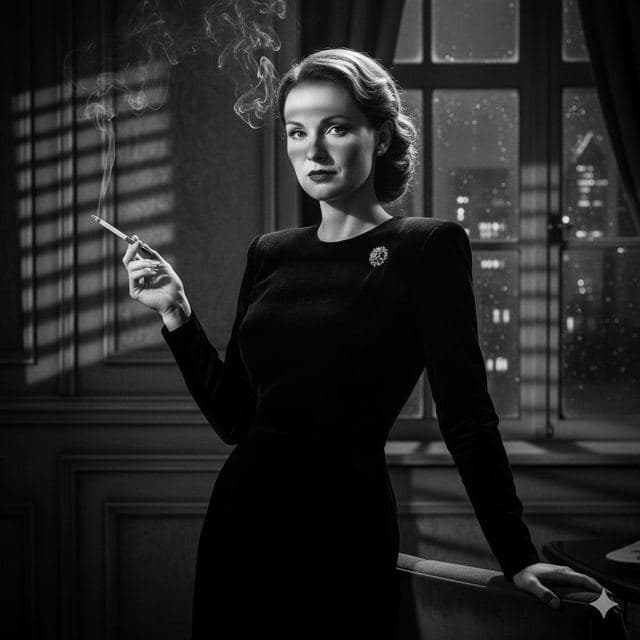
The Luxury & Glamour set is the one people screenshot and send to the group chat. There are eight portraits: a penthouse office at sunset, a wood-paneled boardroom, a palace hall with a tiara, a chandelier-lit gala and more.
They're styled like magazine portraits, with deep colors (navy, emerald, royal blue) and warm indoor light. Your face goes in, and the outfit, jewelry and room stay exactly as they are.


8 Luxury & Glamour templates





Best for
- Birthday and anniversary jokes ("you, but royalty")
- Profile pictures for a business persona
- Mood boards and "future me" posts
How to use these templates
- Download Face Swap AI and choose the Female or Male tab.
- Scroll to Luxury & Glamour and tap a template.
- Add a clear selfie from your camera or gallery and tap Swap Faces.
- Save the result to Photos or share it.
Getting a clean result in rich, low-light scenes
- These scenes are lit warmly from above. A selfie taken near a window in the afternoon matches better than one under cold office light.
- Royal Elite and High Society have necklaces and high collars close to the jaw. A selfie with your chin slightly raised keeps the jawline clean.
- Save the result, then compare it with the template side by side in History. If the skin tone looks off, try a selfie with softer light.
Questions
Are the luxury templates included in PRO?
Yes. Every face swap in the app needs a PRO subscription, and PRO covers all template categories, including Luxury & Glamour.
Can men and women both use these templates?
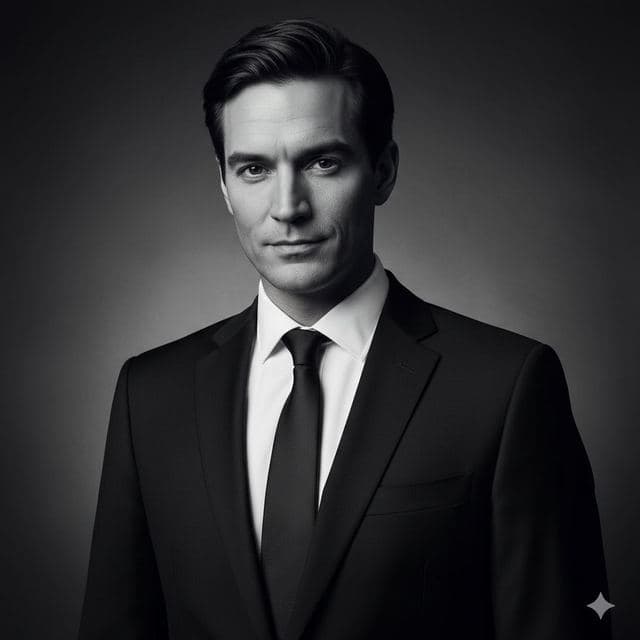
Yes. The set includes both, for example Luxury Executive and Wealthy Investor show men, while Royal Elite and Philanthropist show women. Swaps work across genders too.
Related guides
8 tips for a realistic face swap
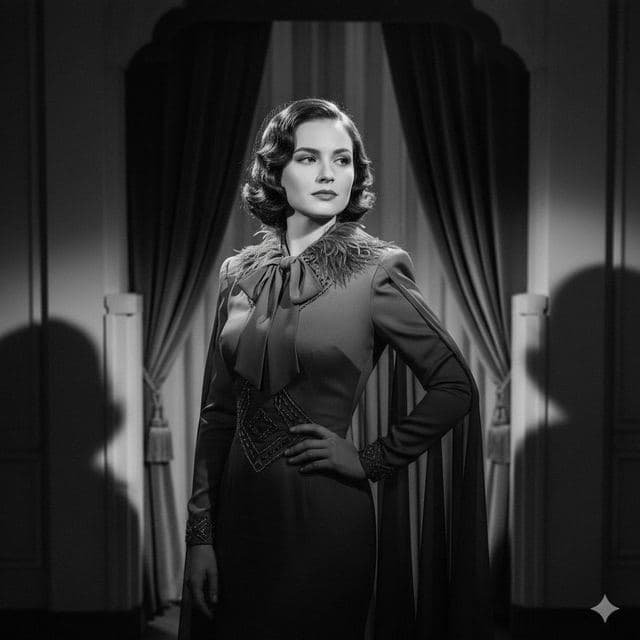
Why some face swaps look fake and how to fix it: angle, light, sharpness, expression, hair, glasses and skin tone. Eight tips for any AI face swap app.


AI photo face swap, with real examples
AI photo face swap for iPhone and Android: put your face into a styled photo template or swap faces between any two pictures. Ready in under a minute.



How to face swap on iPhone
Face swap on iPhone in five steps: install, pick a template or two photos, add a selfie, tap Swap Face, save. Works on iPhone and iPad with iOS 13 or later.