
AI Photo Face Swap



An AI photo face swap replaces the face in one picture with the face from another and blends the edges so it looks like the original shot.
Face Swap AI gives you two ways to do it: drop a selfie into one of 60+ ready-made photo templates, or upload any two images and swap the faces between them. These are real results from the app.


See a real AI photo face swap
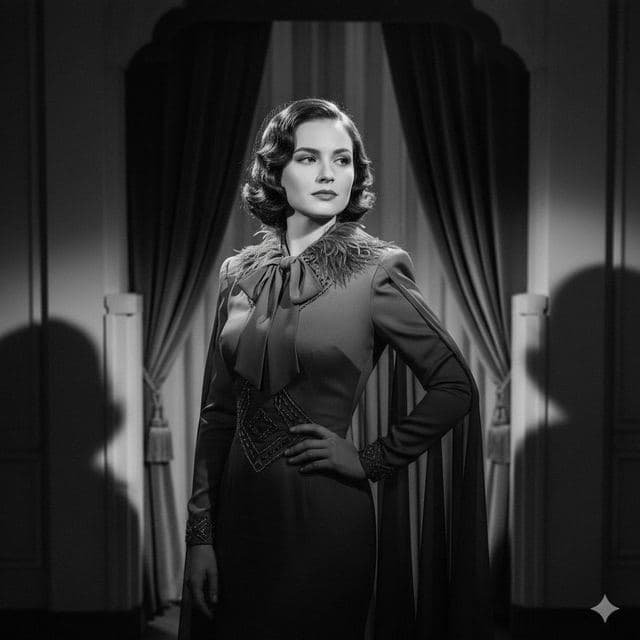
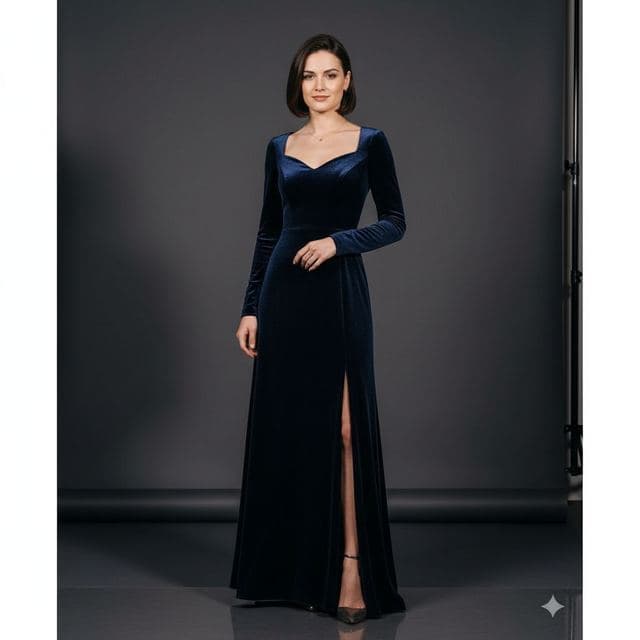
Each row is one swap: the selfie, the template photo, and what the app returned. Notice that hair, clothes and background come from the template while the face comes from the selfie.
 Your photo
 Template
 Result
What makes a photo good for face swapping
- The whole face is visible. No hands, hair or sunglasses across the eyes.
- Front-facing or a slight turn. Full profiles don't give the model enough to work with.
- Sharp and well lit. Daylight from a window beats overhead kitchen lights.
- One main face. Use a photo where the face you want is the biggest one in the frame.
A normal phone camera photo is plenty. Screenshots of screenshots, heavily zoomed crops and old thumbnails are what cause soft, smudgy results.
 Your photo
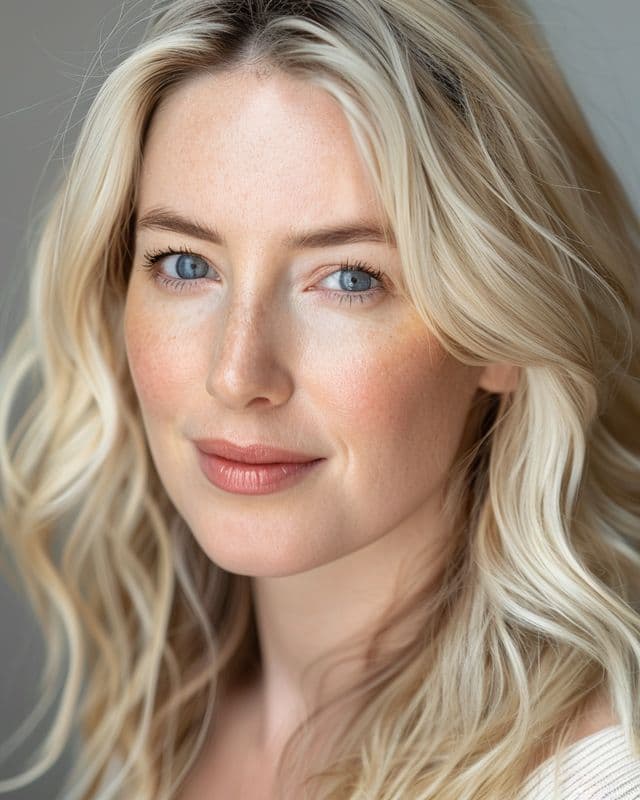 Template
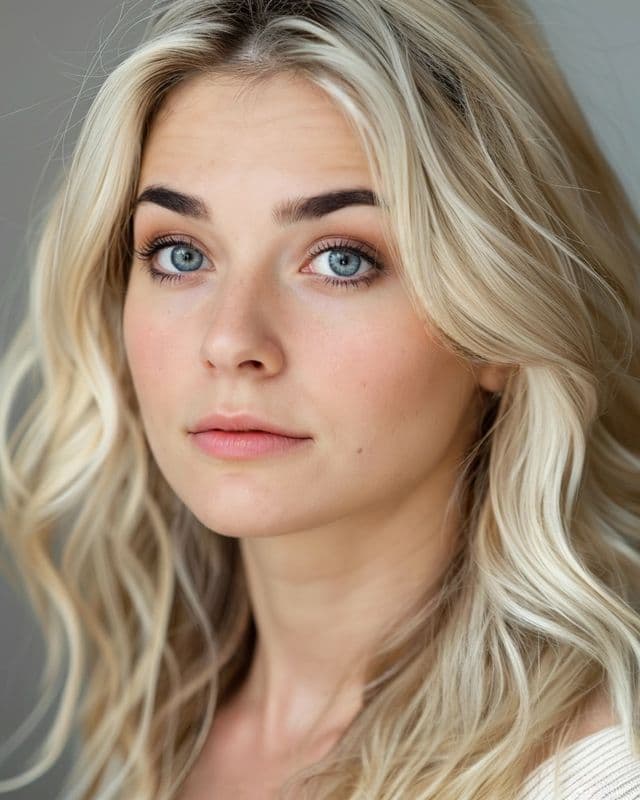 Result
Photo, image or picture: does the file matter?
No. Any photo in your camera roll works, including iPhone photos and screenshots. The app resizes the upload before sending it, so you don't need to edit or crop anything first.
What matters is how much of the frame the face takes up. A head-and-shoulders photo gives a crisper swap than a full-length shot where the face is tiny.
Photo face swap ideas to try first
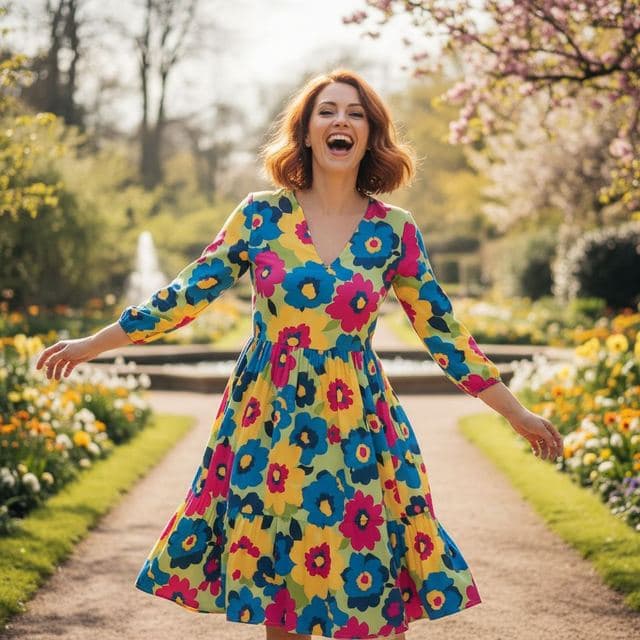
- Dating profile photos in a café, garden or city street
- Dream job portraits: film director, tech CEO, fashion designer
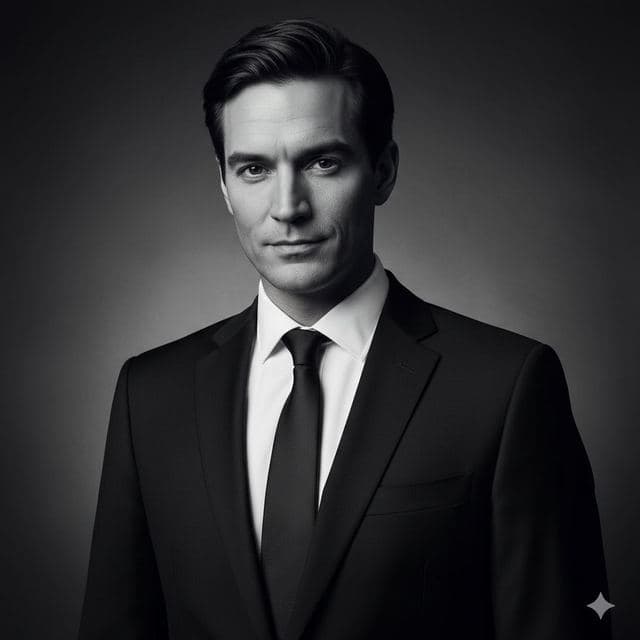
- Black-and-white and film noir portraits for prints
- Red carpet shots for birthdays and party invites



Questions
Where are my swapped photos saved?
Every result is kept in the app's History screen, grouped by style. Tap Save on the result screen to add it to your Photos library too.
Does the photo need to be high resolution?
No. A regular phone photo works well. Very small or blurry images, like old thumbnails or zoomed screenshots, give softer results.
Keep reading

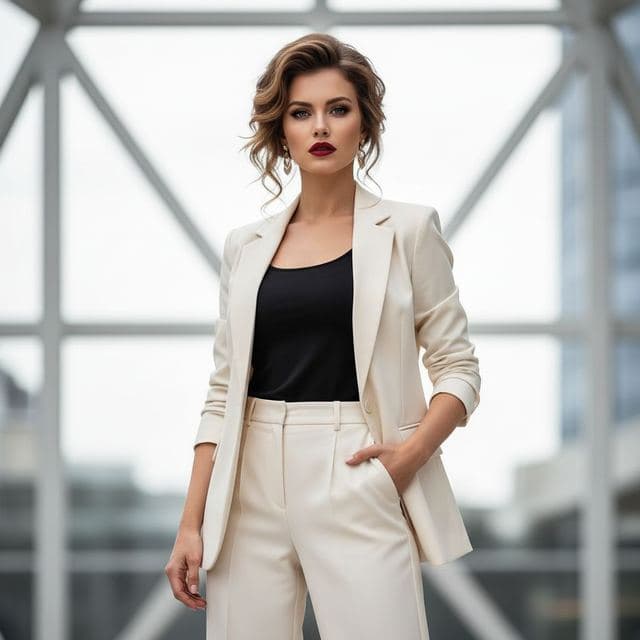

Face changer AI: how it works
Face changer AI for iPhone and Android. Put your face into 60+ photo templates or change faces between any two photos. Ready in under a minute.
8 tips for a realistic face swap
Why some face swaps look fake and how to fix it: angle, light, sharpness, expression, hair, glasses and skin tone. Eight tips for any AI face swap app.

Swap faces between two photos
Swap faces between any two photos on your phone: pick the face, pick the target, tap swap. How to match angle and light so the result looks real.