
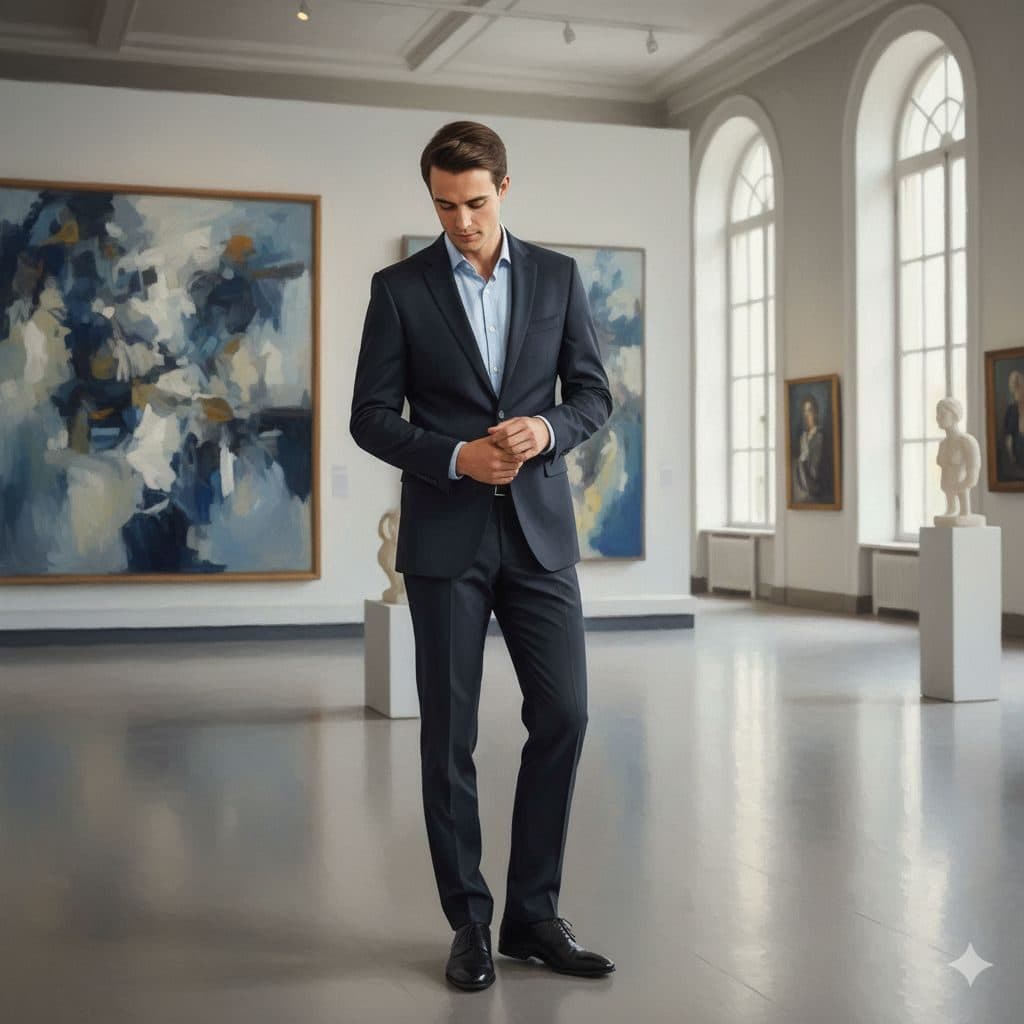
The Fine Art template, before your face is added.
Dramatic & Artistic template
Art Gallery Portrait of Yourself
Fine Art places you in a bright, airy gallery with abstract paintings and marble busts, adjusting your cuffs in a dark suit. It's understated and stylish, like an opening-night photo.


- Template
- Fine Art
- Category
- Dramatic & Artistic
- Style
- Gallery-worthy portrait
What's in the Fine Art template
A man with neat dark hair stands in the middle of a white gallery in a dark suit and light blue shirt, looking down as he adjusts his cuff. Large abstract paintings in blues and creams hang on the walls, with white plinths holding classical busts and tall arched windows letting in soft daylight. Framed full length.
How to use the Fine Art template
- Download Face Swap AI on iPhone or Android.
- Open the Dramatic & Artistic category and tap Fine Art.
- Add a clear selfie from your camera or gallery, then tap Swap Faces.
- Your photo is ready in under a minute. Save it to Photos or share it.
What people use it for
- Gallery opening and art event posts
- Artist, curator and collector profiles
- Understated, stylish profile pictures
Tips for a natural result
- The template looks down at his cuff. A selfie with your eyes and chin lowered blends much better than one facing the camera.
- Soft daylight from a window matches the bright gallery.
- Your face is small in the frame, so use a close, sharp selfie.
More advice in how to make a face swap look realistic.
Questions
Why should my selfie look down for this template?
The face in the template is tilted down. Matching that angle is the single biggest factor in a natural-looking result.
Are the paintings real artworks?
No, they're generated, so you can share the result without worrying about showing someone's real artwork.
More Dramatic & Artistic templates
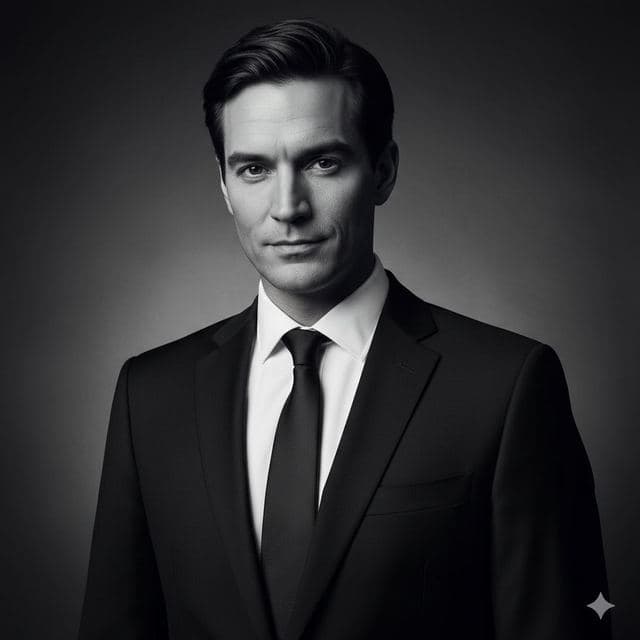
Black and White Portrait from a Selfie
Black & White
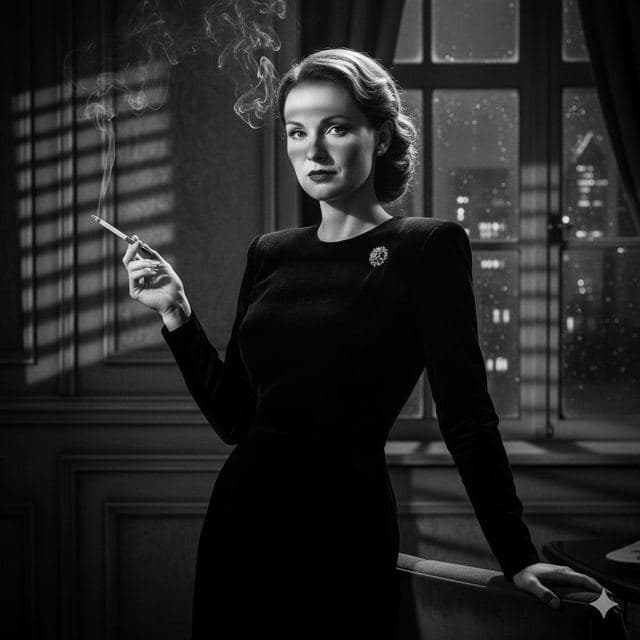
Film Noir Portrait of Yourself
Film Noir

Movie Poster of Yourself
Cinematic
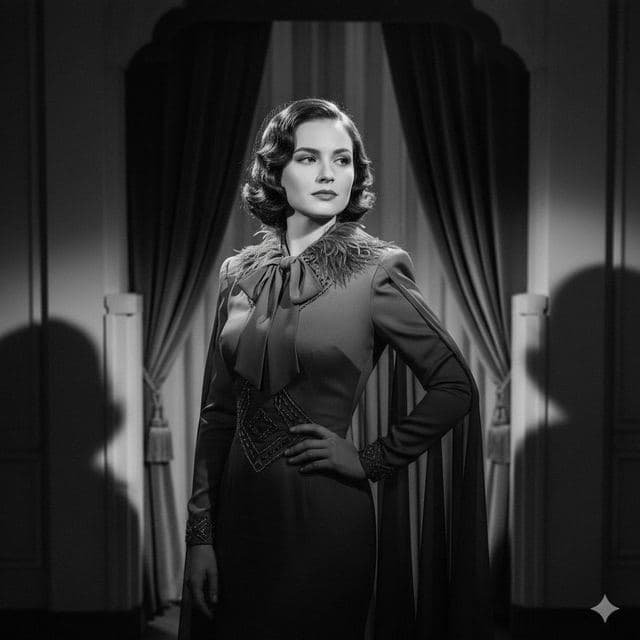
1940s Vintage Portrait of Yourself
Vintage Drama
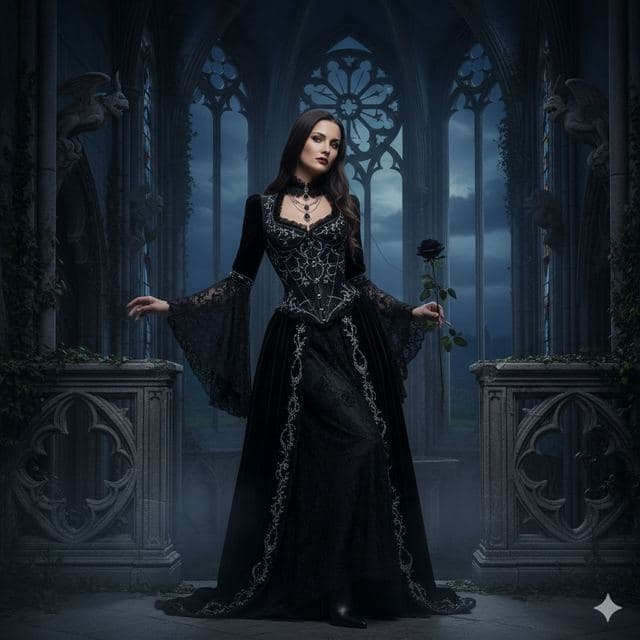
Gothic Portrait of Yourself
Gothic Style
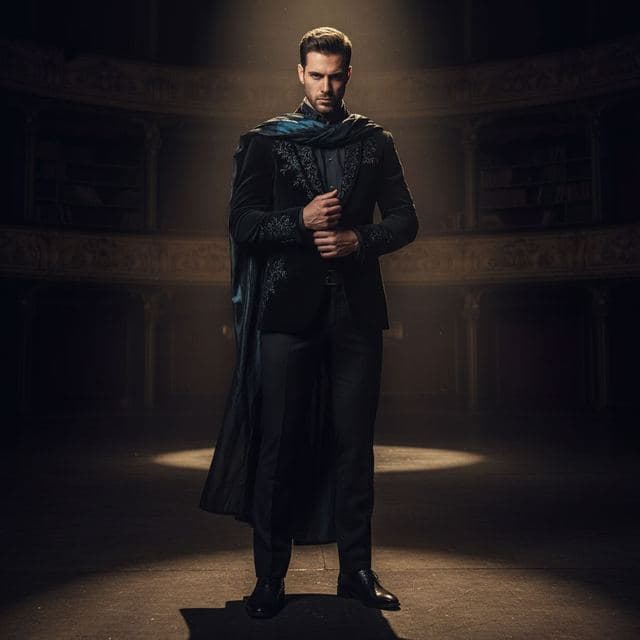
Dramatic Spotlight Portrait
Intense Drama
All Dramatic & Artistic templates →
Related guides
8 tips for a realistic face swap
Why some face swaps look fake and how to fix it: angle, light, sharpness, expression, hair, glasses and skin tone. Eight tips for any AI face swap app.

Face changer AI: how it works
Face changer AI for iPhone and Android. Put your face into 60+ photo templates or change faces between any two photos. Ready in under a minute.


Swap faces between two photos
Swap faces between any two photos on your phone: pick the face, pick the target, tap swap. How to match angle and light so the result looks real.