
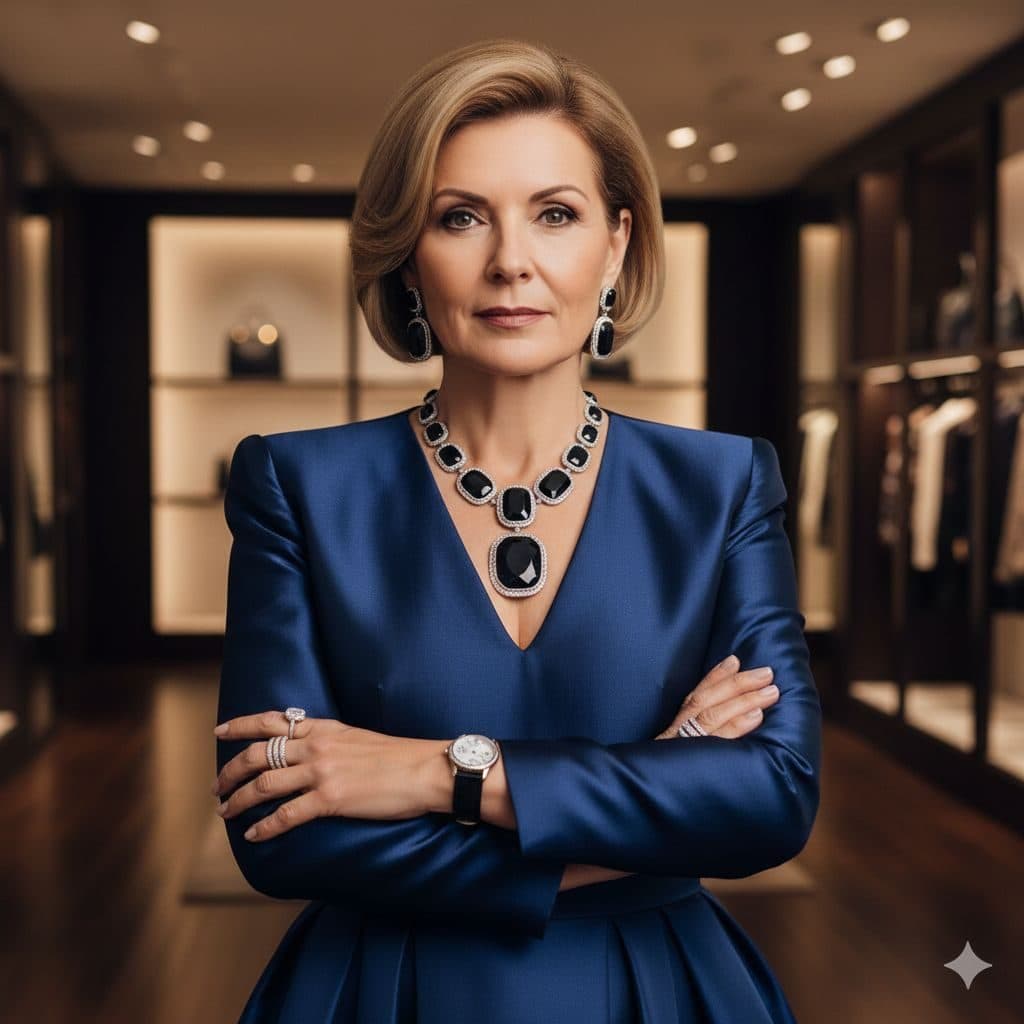
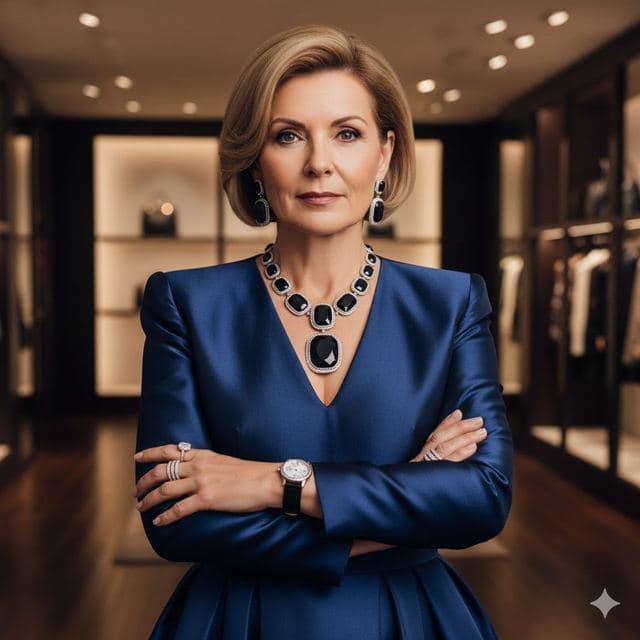
The High Fashion template, before your face is added.
Luxury & Glamour template
Luxury Fashion Portrait
High Fashion is a portrait of a woman who owns the boutique: royal blue silk, a sapphire statement necklace, arms folded with total confidence. It's one of the few templates styled for a mature look.


- Template
- High Fashion
- Category
- Luxury & Glamour
- Style
- Designer luxury fashion
What's in the High Fashion template
A woman with a short blonde bob, in her fifties or sixties, wears a royal blue satin dress with a deep V-neck and a large sapphire-and-diamond necklace and matching earrings. She folds her arms in front of a boutique with lit shelves and dark wood paneling. Warm spotlights from above, framed from the waist up, with a composed, knowing expression.
How to use the High Fashion template
- Download Face Swap AI on iPhone or Android.
- Open the Luxury & Glamour category and tap High Fashion.
- Add a clear selfie from your camera or gallery, then tap Swap Faces.
- Your photo is ready in under a minute. Save it to Photos or share it.
What people use it for
- Business owner and boutique bios
- Mother's Day and milestone birthday gifts
- Elegant profile pictures for a more mature look
Tips for a natural result
- The template shows an older woman. Results look most natural for selfies in a similar age range.
- A composed, closed-mouth expression matches best.
- The light comes from above, so a selfie under ceiling light blends well.
More advice in how to make a face swap look realistic.
Questions
Will the swap make me look older?
The swap keeps your facial features, but skin texture and hair come partly from the template. Younger users may want High Society or Royal Elite instead.
Is this a good gift for my mom?
It's a popular one. Use a clear, recent photo of her face, ask her first, and print the result or send it in a card.
More Luxury & Glamour templates
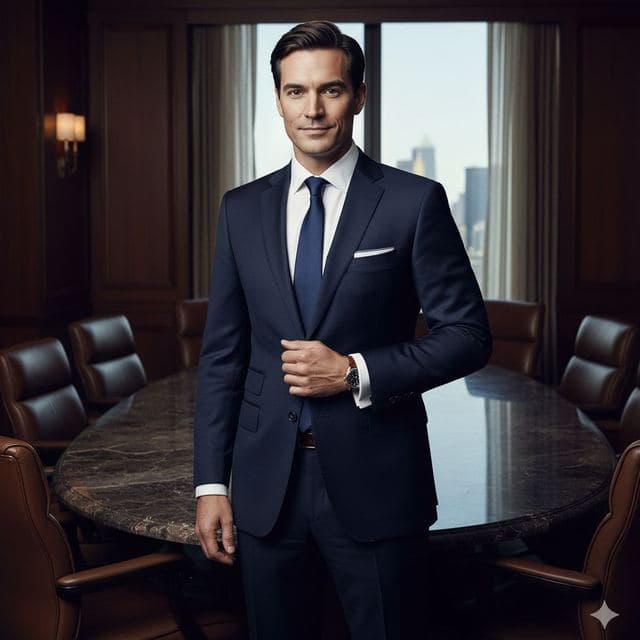
Executive Portrait
Luxury Executive
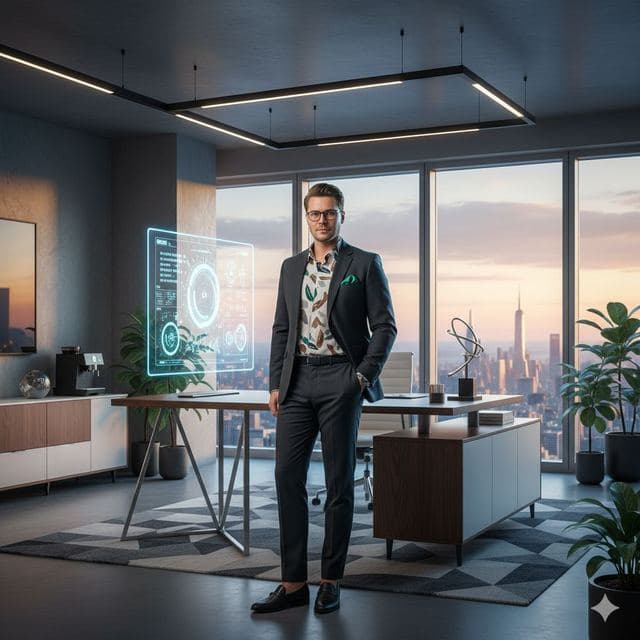
Entrepreneur Penthouse Photo
Luxury Entrepreneur
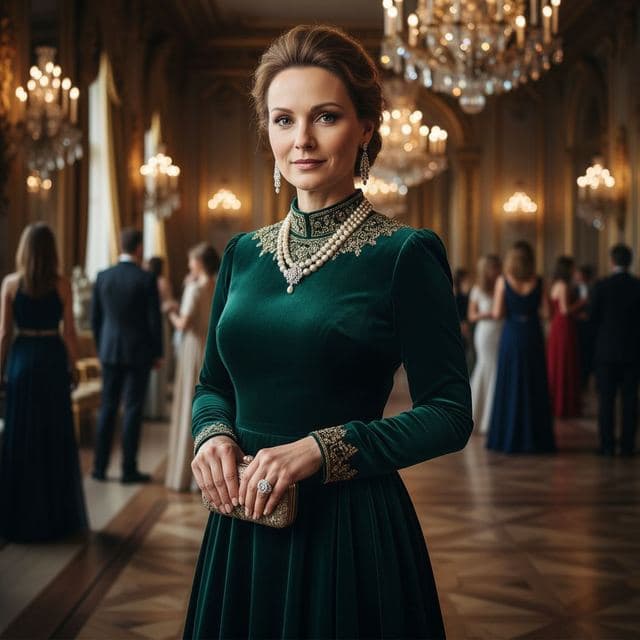
Ballroom Gown Portrait
High Society
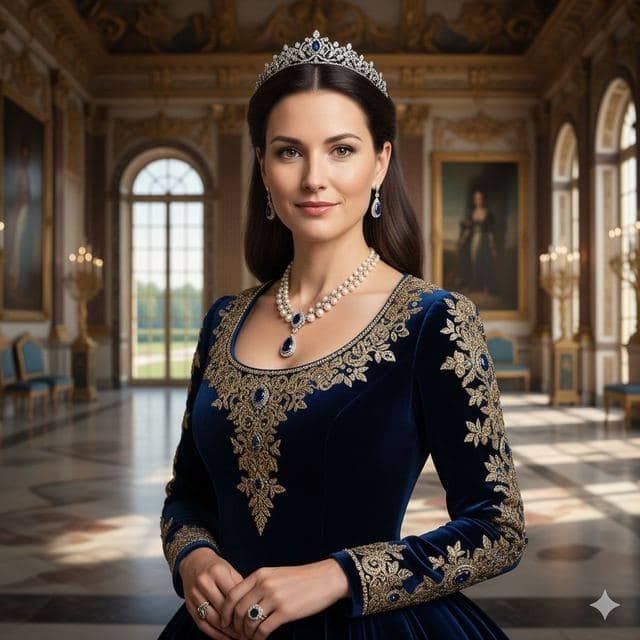
Royal Portrait of Yourself
Royal Elite

Wealthy Investor Portrait
Wealthy Investor
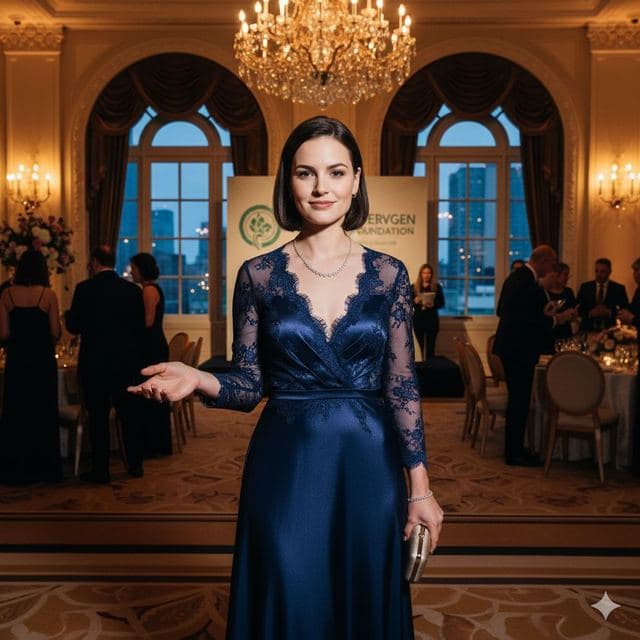
Evening Gown Portrait
Philanthropist
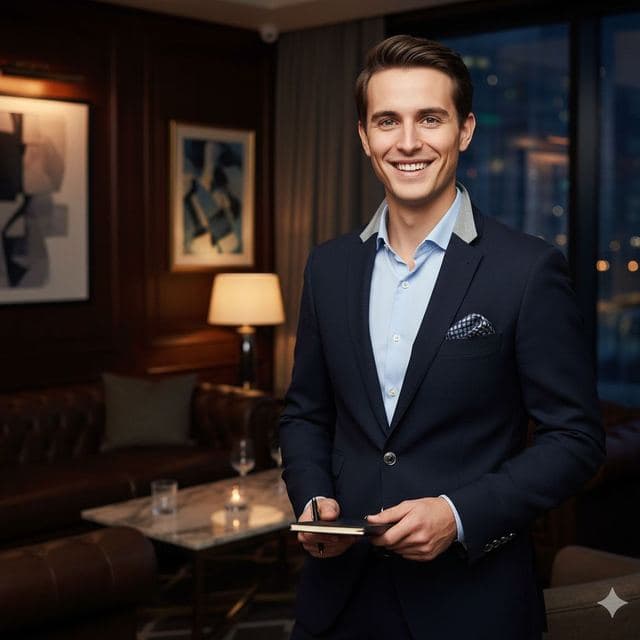
VIP Lounge Photo
VIP Elite
All Luxury & Glamour templates →
Related guides
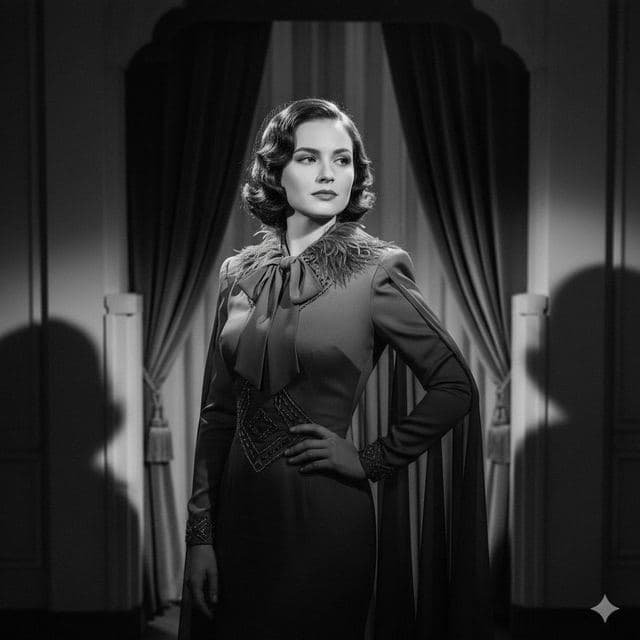
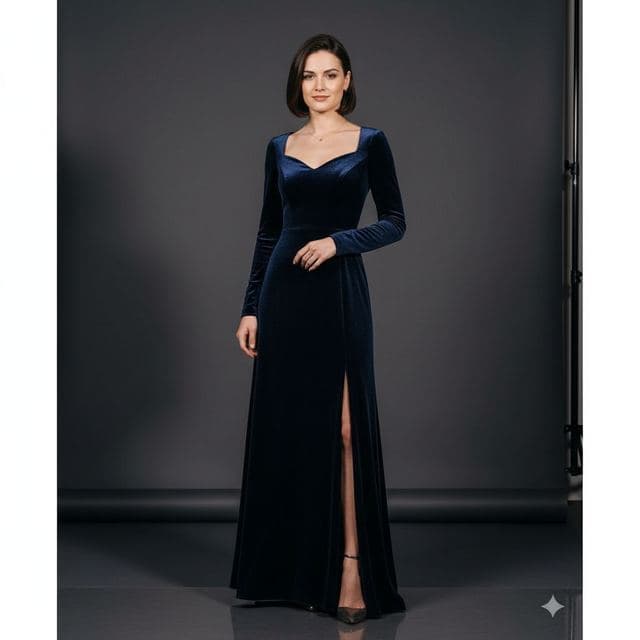
8 tips for a realistic face swap
Why some face swaps look fake and how to fix it: angle, light, sharpness, expression, hair, glasses and skin tone. Eight tips for any AI face swap app.
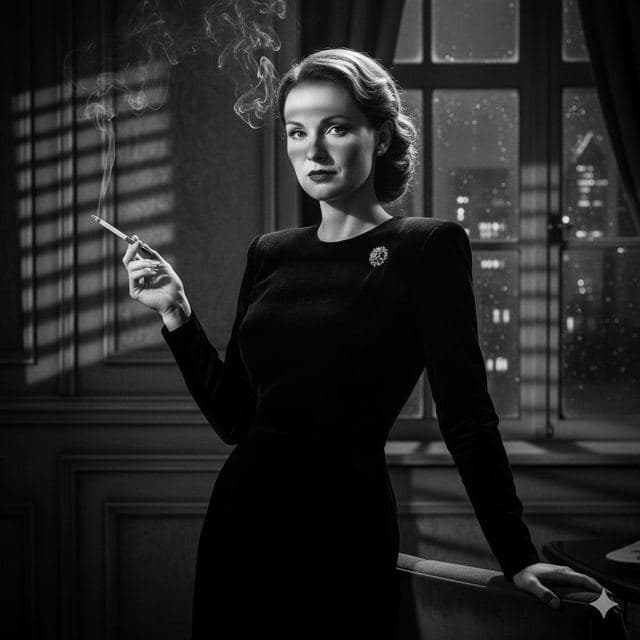
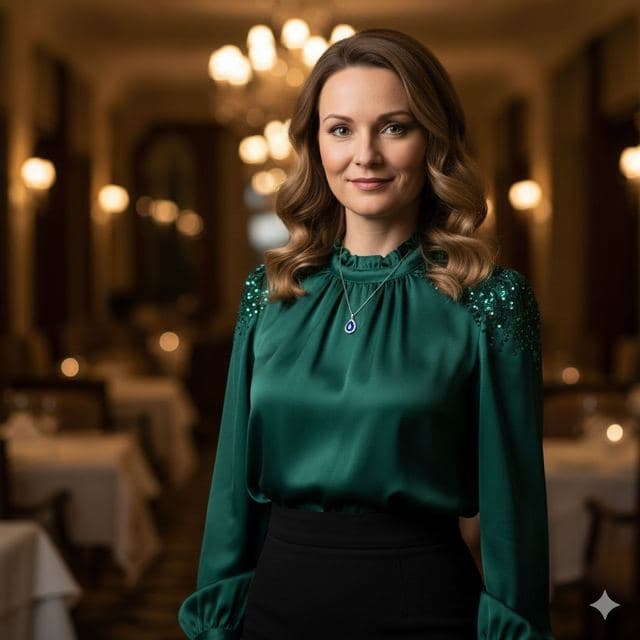
AI photo face swap, with real examples
AI photo face swap for iPhone and Android: put your face into a styled photo template or swap faces between any two pictures. Ready in under a minute.



How to face swap on iPhone
Face swap on iPhone in five steps: install, pick a template or two photos, add a selfie, tap Swap Face, save. Works on iPhone and iPad with iOS 13 or later.