
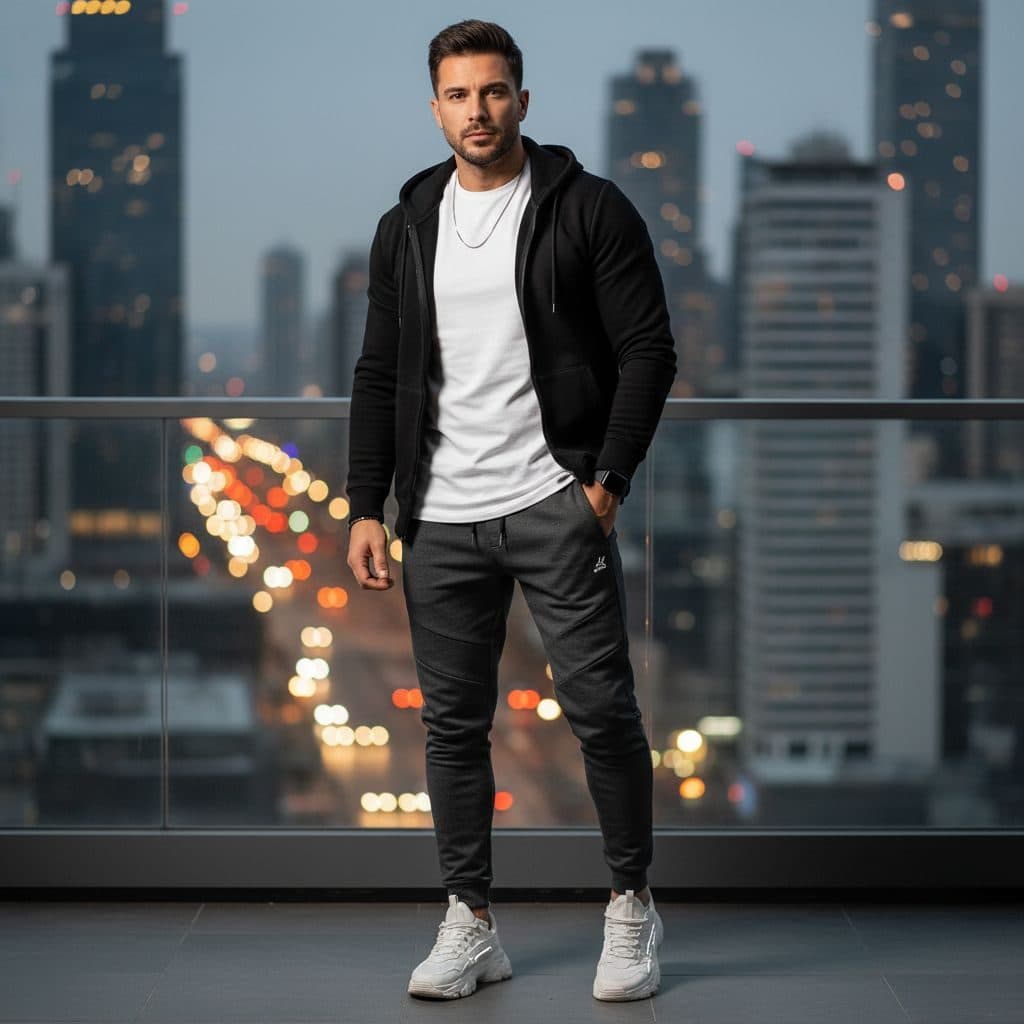
The Urban Casual template, before your face is added.
Casual & Lifestyle template
City Night Photo of Yourself
Urban Casual is a streetwear shot on a high balcony at dusk, with traffic trails and skyscrapers glowing below. It's relaxed but has a big-city feel that suits social profiles.


- Template
- Urban Casual
- Category
- Casual & Lifestyle
- Style
- Metropolitan street style
What's in the Urban Casual template
A man with short dark hair and stubble stands on a glass-railed balcony in a black zip hoodie over a white T-shirt, dark joggers and white sneakers. Behind him, skyscrapers rise over streets full of blurred headlights and tail lights at dusk. Cool evening light with warm city glow, framed full length.
How to use the Urban Casual template
- Download Face Swap AI on iPhone or Android.
- Open the Casual & Lifestyle category and tap Urban Casual.
- Add a clear selfie from your camera or gallery, then tap Swap Faces.
- Your photo is ready in under a minute. Save it to Photos or share it.
What people use it for
- Instagram and TikTok profile pictures
- Streetwear and sneaker posts
- Travel-style city photos
Tips for a natural result
- Your face is small in this full-length frame. Use a close, sharp selfie.
- Light stubble blends best with the template's jaw.
- A neutral or slight-smile expression fits the cool, relaxed mood.
More advice in how to make a face swap look realistic.
Questions
Which city is this?
It's a generated skyline, not a real city, so it works wherever you live.
Can I use this as a gaming or streaming profile picture?
Yes. Crop it to your face and shoulders for a small avatar, or use the full shot as a banner.
More Casual & Lifestyle templates

Natural Outdoor Profile Picture
Natural Casual

Smart Casual Headshot
Smart Casual

Minimalist Profile Picture
Minimalist

Coffee Shop Aesthetic Photo
Weekend Casual
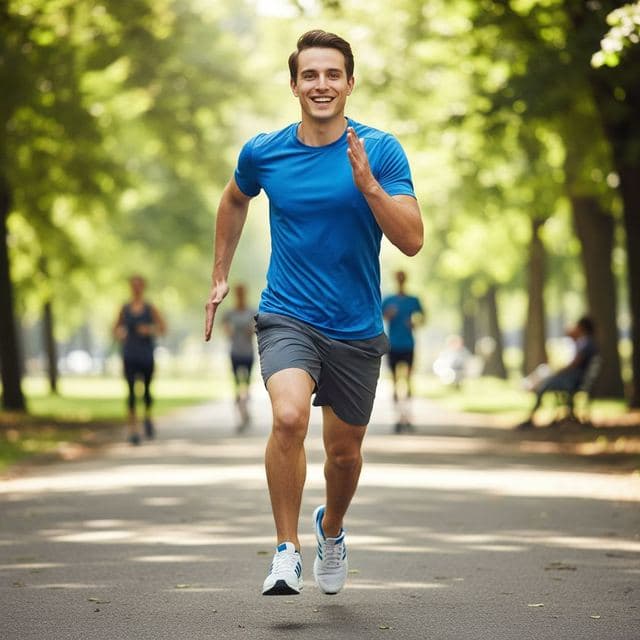
Running and Fitness Profile Picture
Active Lifestyle
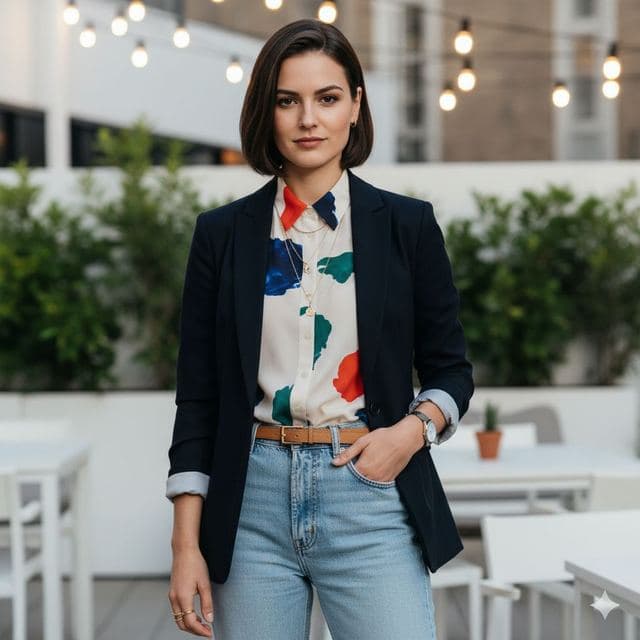
Rooftop Photo of Yourself
Trendy Casual

Cozy Fireplace Photo
Cozy Casual
All Casual & Lifestyle templates →
Related guides

AI dating profile photos, done honestly
Use AI face swap to make better dating profile photos without catfishing. Which shots to make, which templates fit, and what to keep real.



AI photo face swap, with real examples
AI photo face swap for iPhone and Android: put your face into a styled photo template or swap faces between any two pictures. Ready in under a minute.

Is AI face swap safe?
What happens to your photo in an AI face swap app, how long it's kept, and the consent rules to follow. Plus Face Swap AI's privacy policy in plain English.