
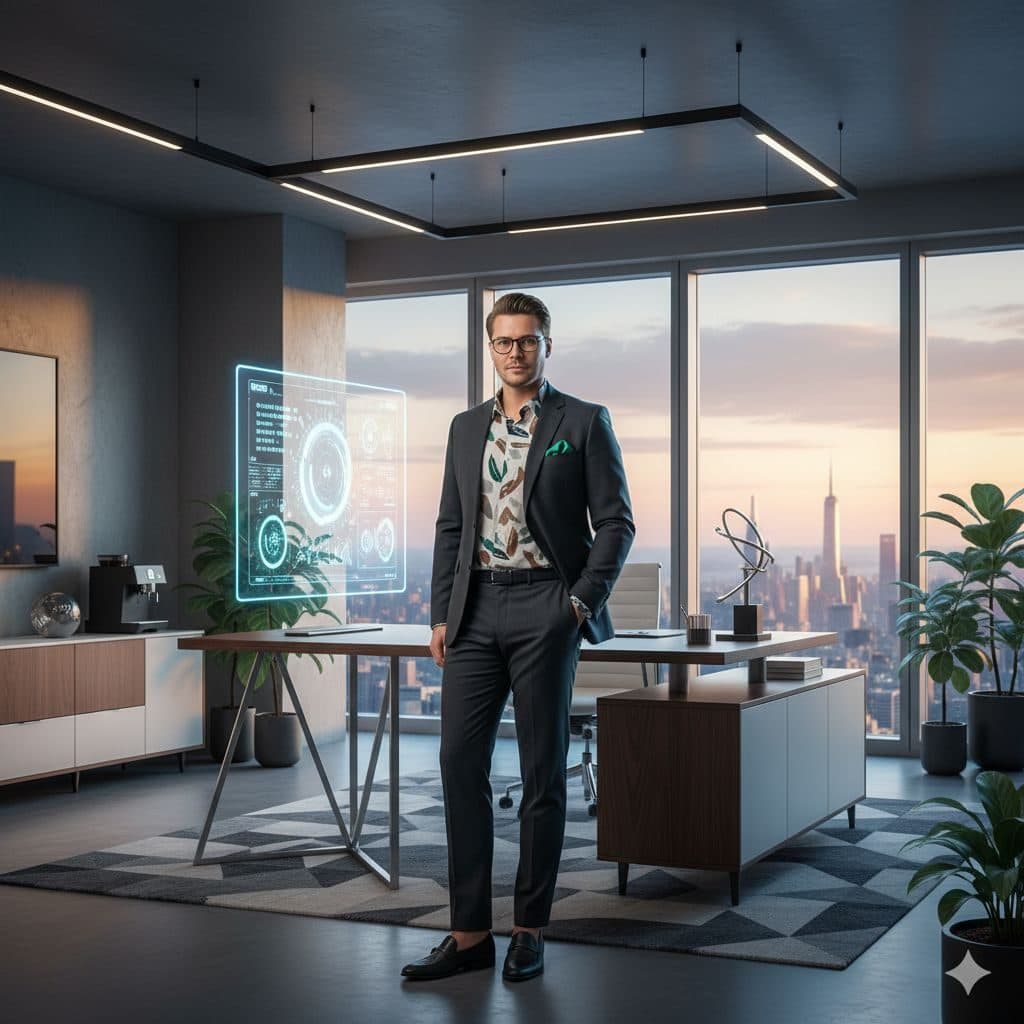
The Luxury Entrepreneur template, before your face is added.
Luxury & Glamour template
Entrepreneur Penthouse Photo
Luxury Entrepreneur is the founder fantasy shot: a glass-walled penthouse office at sunset, a floating holographic screen and the whole city below. Add a selfie and you're the one standing in it.


- Template
- Luxury Entrepreneur
- Category
- Luxury & Glamour
- Style
- Successful founder
What's in the Luxury Entrepreneur template
A man with short hair and glasses stands in a modern penthouse office in a dark suit over a patterned shirt. Floor-to-ceiling windows show a city skyline at sunset, and a glowing holographic display floats near a sleek desk. Plants, a geometric rug and recessed lights fill the room. He's framed full length.
How to use the Luxury Entrepreneur template
- Download Face Swap AI on iPhone or Android.
- Open the Luxury & Glamour category and tap Luxury Entrepreneur.
- Add a clear selfie from your camera or gallery, then tap Swap Faces.
- Your photo is ready in under a minute. Save it to Photos or share it.
What people use it for
- Founder and creator social posts
- Motivation and goal posts
- A fun "when the startup works out" picture
Tips for a natural result
- Glasses stay from the template, so it suits glasses-wearers best.
- Your face is small here. Take a close, well-lit selfie.
- Sunset light means warm tones. A selfie in warm afternoon light blends best.
More advice in how to make a face swap look realistic.
Questions
Is this realistic enough for a business profile?
The holographic screen gives it a futuristic look, so it's better for social posts than formal bios. For a straight business photo, use Luxury Executive.
Can I post this as an ad for my business?
Use it as a personal or brand image, but don't present the office as a real place your business owns.
More Luxury & Glamour templates

Executive Portrait
Luxury Executive
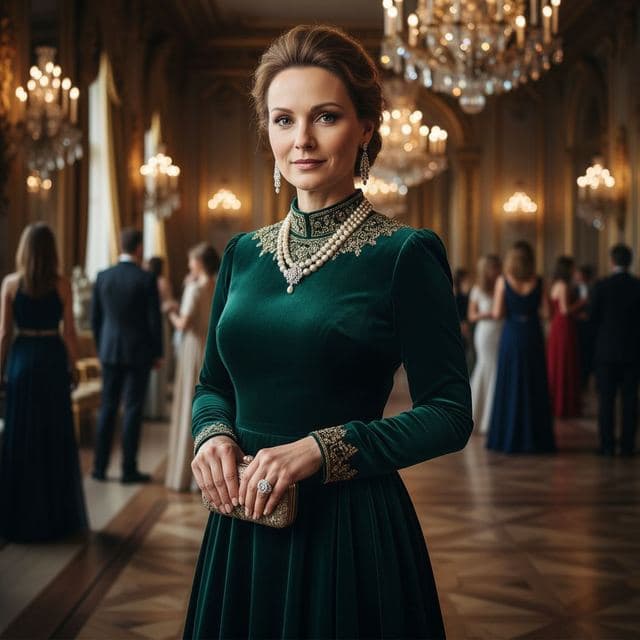
Ballroom Gown Portrait
High Society

Royal Portrait of Yourself
Royal Elite
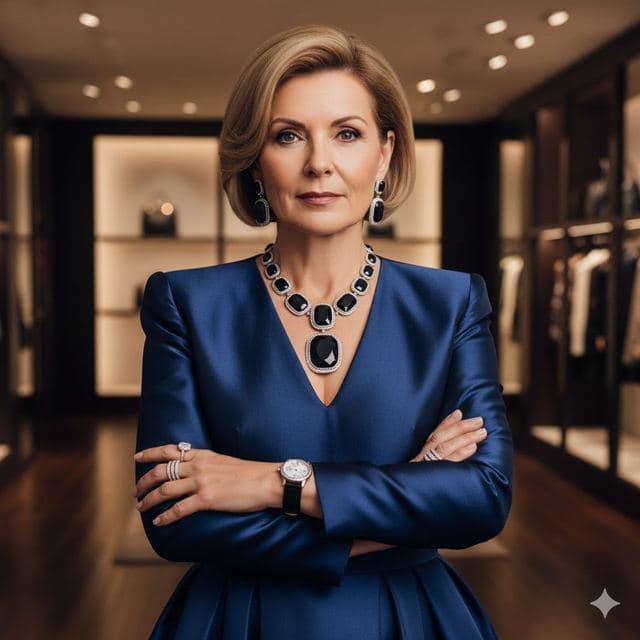
Luxury Fashion Portrait
High Fashion

Wealthy Investor Portrait
Wealthy Investor
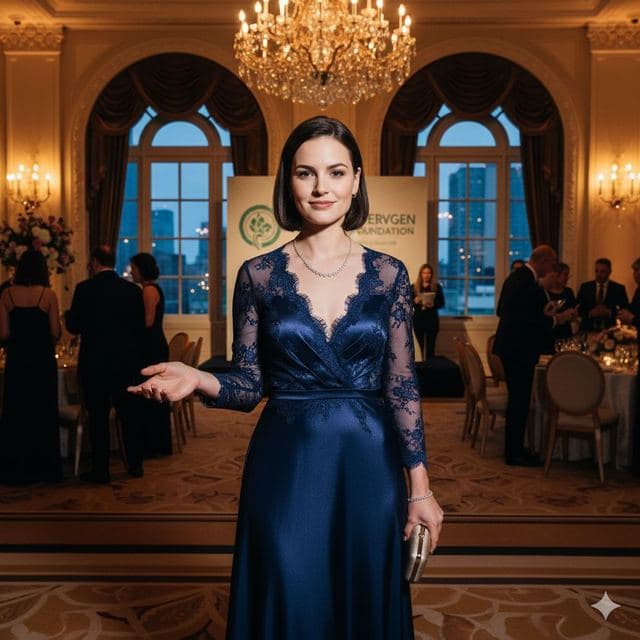
Evening Gown Portrait
Philanthropist
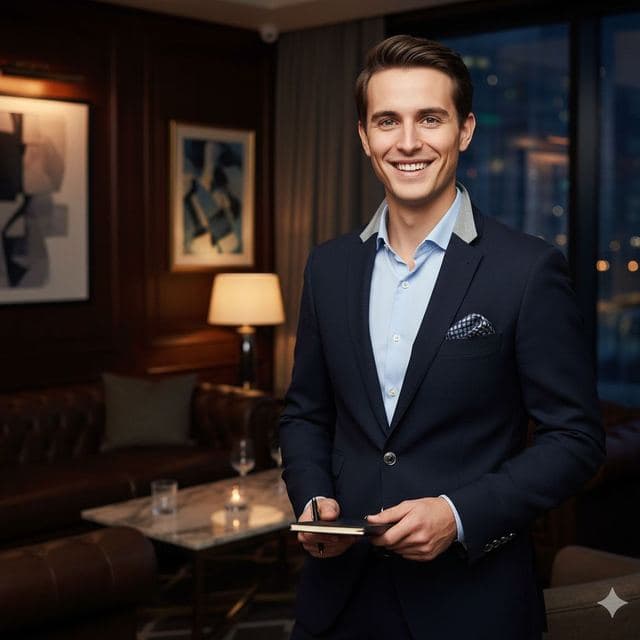
VIP Lounge Photo
VIP Elite
All Luxury & Glamour templates →
Related guides

8 tips for a realistic face swap
Why some face swaps look fake and how to fix it: angle, light, sharpness, expression, hair, glasses and skin tone. Eight tips for any AI face swap app.


AI photo face swap, with real examples
AI photo face swap for iPhone and Android: put your face into a styled photo template or swap faces between any two pictures. Ready in under a minute.



How to face swap on iPhone
Face swap on iPhone in five steps: install, pick a template or two photos, add a selfie, tap Swap Face, save. Works on iPhone and iPad with iOS 13 or later.