
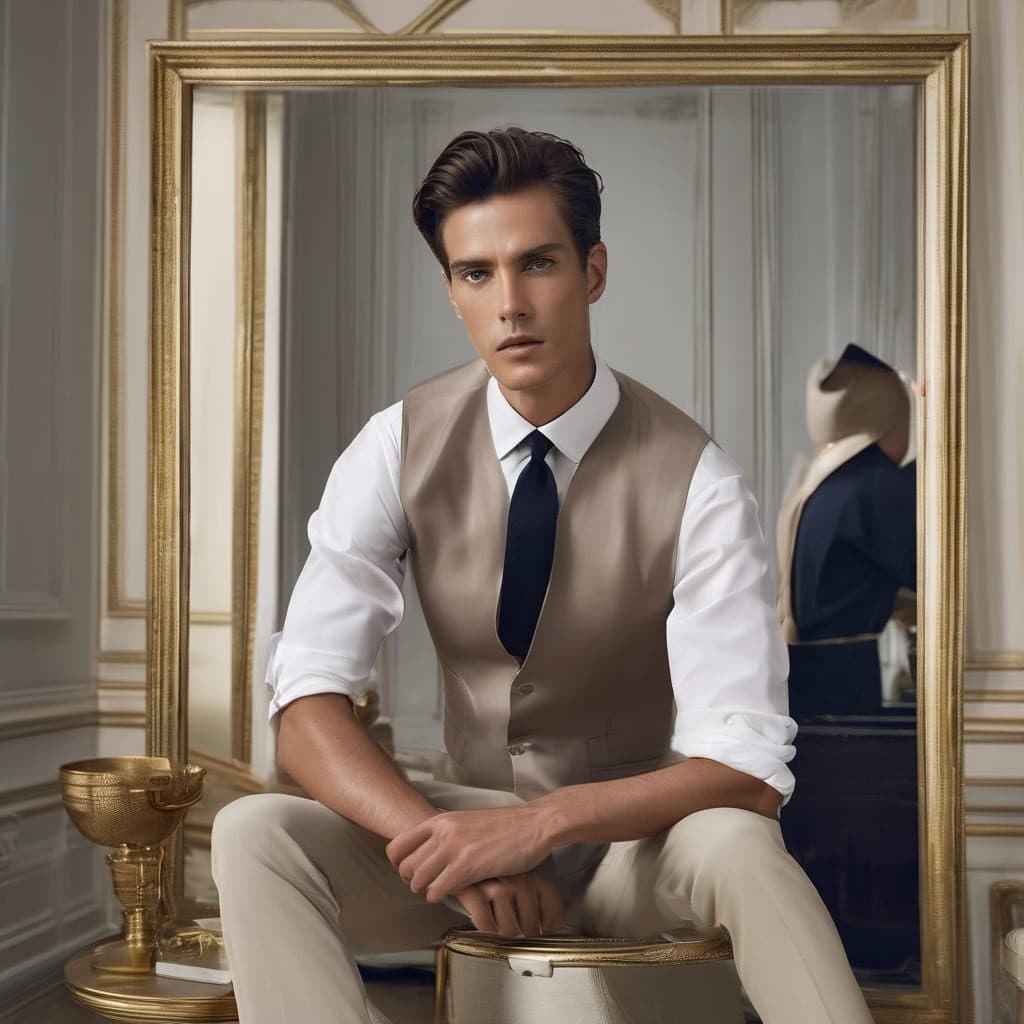
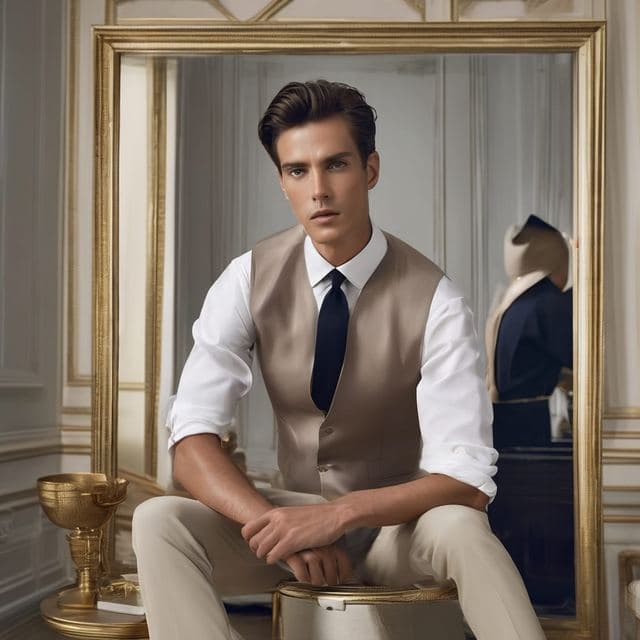
The Sophisticated (Male) template, before your face is added.
Dating & Social template
Classy Dating Photo for Men
Sophisticated (Male) has an old-school tailor's-shop feel: a fitted vest, rolled shirt sleeves and a gilded mirror behind you. It's a refined, slightly editorial photo made from one selfie.


- Template
- Sophisticated (Male)
- Category
- Dating & Social
- Style
- Elegant and refined
What's in the Sophisticated (Male) template
A young man with neat, swept hair sits on a stool in a beige waistcoat, crisp white shirt with rolled sleeves and a navy tie, forearms resting on his knees. Behind him is a large gold-framed mirror and a tailor's mannequin. The light is soft and even, and his expression is calm and serious.
How to use the Sophisticated (Male) template
- Download Face Swap AI on iPhone or Android.
- Open the Dating & Social category and tap Sophisticated (Male).
- Add a clear selfie from your camera or gallery, then tap Swap Faces.
- Your photo is ready in under a minute. Save it to Photos or share it.
What people use it for
- A standout photo for a dating profile
- A polished profile picture for creative industries
- Wedding and groomsman style inspiration
Tips for a natural result
- Keep your expression calm. The template doesn't smile, and a grin feels out of place.
- Face the camera directly with your chin level.
- Short hair or a tidy side part matches best.
More advice in how to make a face swap look realistic.
Questions
Is this template good for a wedding photo idea?
It's a good way to see how a vest-and-tie look suits you before choosing a groomsman outfit. The result is a portrait, so it won't replace real wedding photos.
Can I sit like the template in my selfie?
You don't need to. Only your face is used, so any clear head-and-shoulders selfie works.
More Dating & Social templates

Casual Dating Profile Picture
Casual Dating
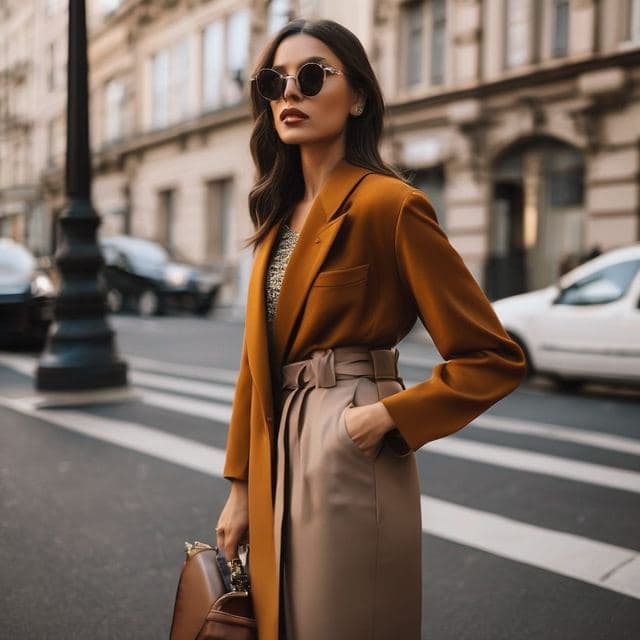
Stylish Dating Photos for Women
Stylish & Trendy (Female)

Stylish Dating Photos for Men
Stylish & Trendy (Male)
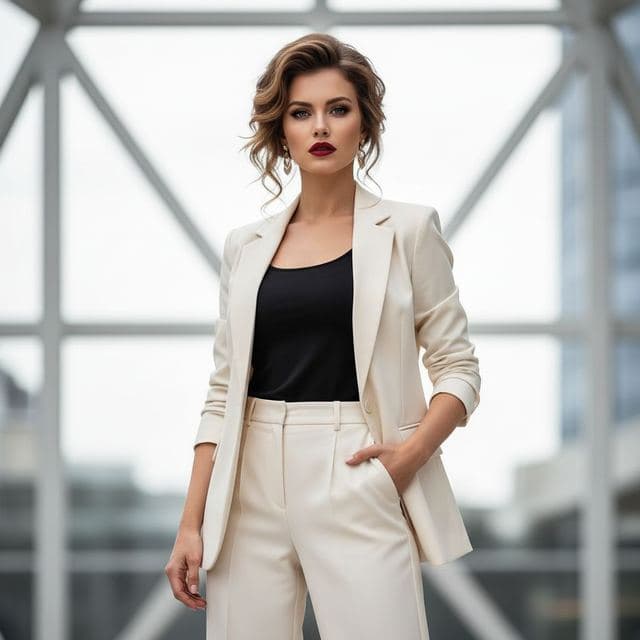
Confident Dating Photo for Women
Confident & Bold (Female)

Confident Dating Photo for Men
Confident & Bold (Male)

Hiking Dating Profile Picture
Outdoor Lifestyle

Romantic Golden Hour Photo
Romantic
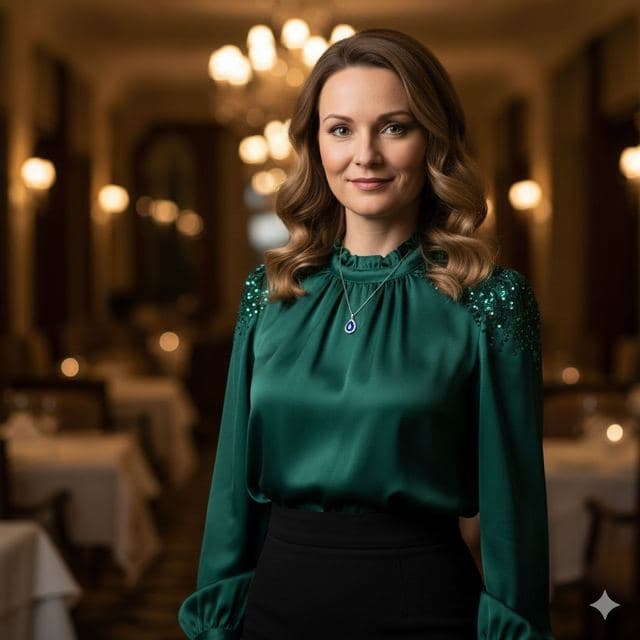
Elegant Dinner Date Photo for Women
Sophisticated (Female)
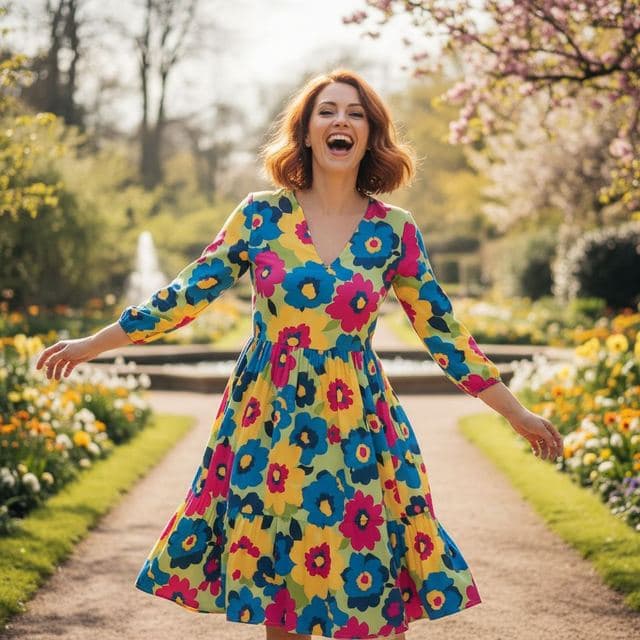
Fun Dating Profile Picture
Fun & Playful
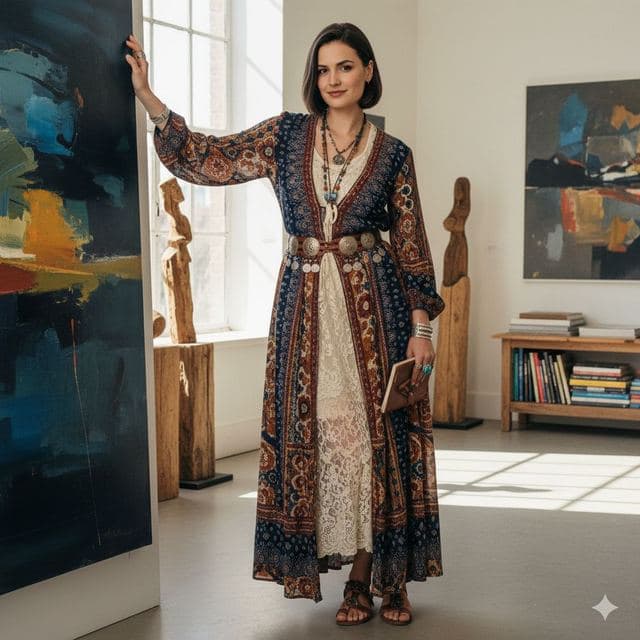
Artsy Dating Profile Picture
Artistic & Creative (Female)

Creative Dating Photo for Men
Artistic & Creative (Male)
All Dating & Social templates →
Related guides
AI dating profile photos, done honestly
Use AI face swap to make better dating profile photos without catfishing. Which shots to make, which templates fit, and what to keep real.
8 tips for a realistic face swap
Why some face swaps look fake and how to fix it: angle, light, sharpness, expression, hair, glasses and skin tone. Eight tips for any AI face swap app.


How to face swap on iPhone
Face swap on iPhone in five steps: install, pick a template or two photos, add a selfie, tap Swap Face, save. Works on iPhone and iPad with iOS 13 or later.