

The Confident & Bold (Male) template, before your face is added.
Dating & Social template
Confident Dating Photo for Men
Confident & Bold (Male) puts you on a downtown street at dusk in a dark suit and patterned shirt. It's a full-length shot with a lot of attitude, and it takes one selfie to make.


- Template
- Confident & Bold (Male)
- Category
- Dating & Social
- Style
- Magnetic presence
What's in the Confident & Bold (Male) template
A man with swept-back hair and glasses stands in the middle of a city street lined with tall buildings, in a charcoal suit over a bold patterned shirt with no tie. Street lights and café awnings glow in the background at dusk. He looks at the camera with a slight smile, his head turned a touch to the side, framed head to toe.
How to use the Confident & Bold (Male) template
- Download Face Swap AI on iPhone or Android.
- Open the Dating & Social category and tap Confident & Bold (Male).
- Add a clear selfie from your camera or gallery, then tap Swap Faces.
- Your photo is ready in under a minute. Save it to Photos or share it.
What people use it for
- A dressed-up photo for dating profiles
- A city-style profile picture for social media
- Checking how a patterned shirt and suit look on you
Tips for a natural result
- The template wears glasses. If you wear glasses too, the result will look most like you.
- Your face is small in a full-length frame, so take the selfie close and in good light.
- Turn your head slightly to match the template's angle.
More advice in how to make a face swap look realistic.
Questions
I don't wear glasses. Will they stay in the result?
Yes. Glasses are part of the template photo. If you don't wear them, Stylish & Trendy (Male) is a similar look without glasses.
Does a full-length photo help on dating apps?
It answers the questions a close-up can't, like height and style. Most profiles benefit from one.
More Dating & Social templates

Casual Dating Profile Picture
Casual Dating
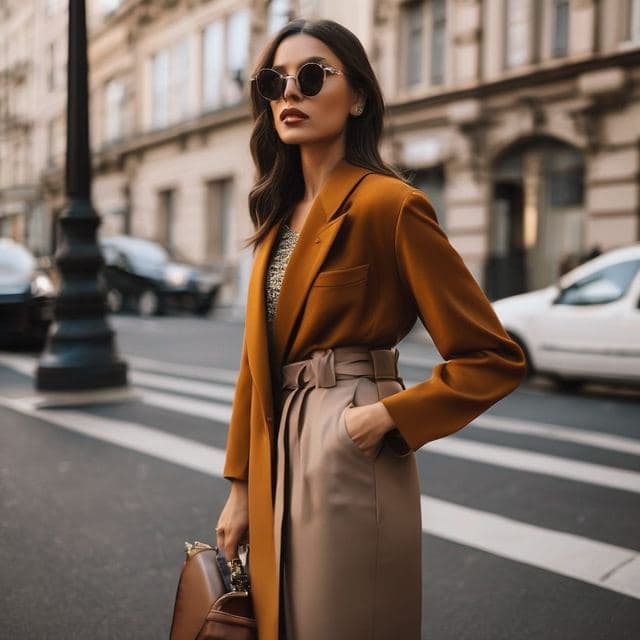
Stylish Dating Photos for Women
Stylish & Trendy (Female)

Stylish Dating Photos for Men
Stylish & Trendy (Male)
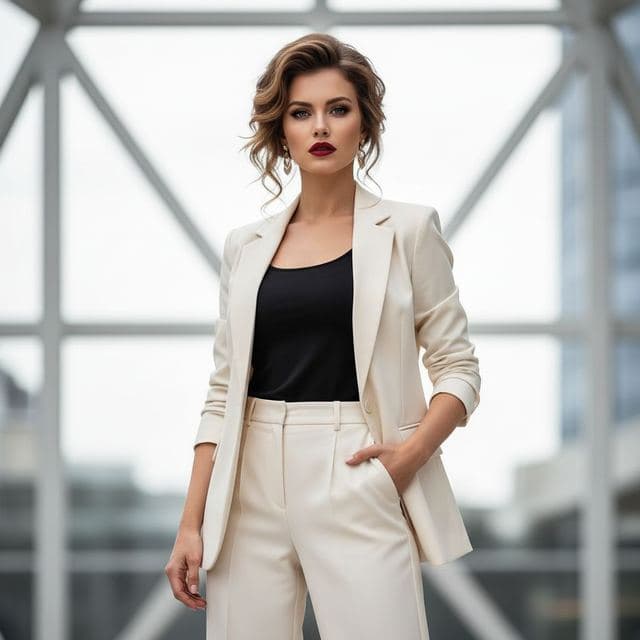
Confident Dating Photo for Women
Confident & Bold (Female)

Hiking Dating Profile Picture
Outdoor Lifestyle

Romantic Golden Hour Photo
Romantic

Elegant Dinner Date Photo for Women
Sophisticated (Female)
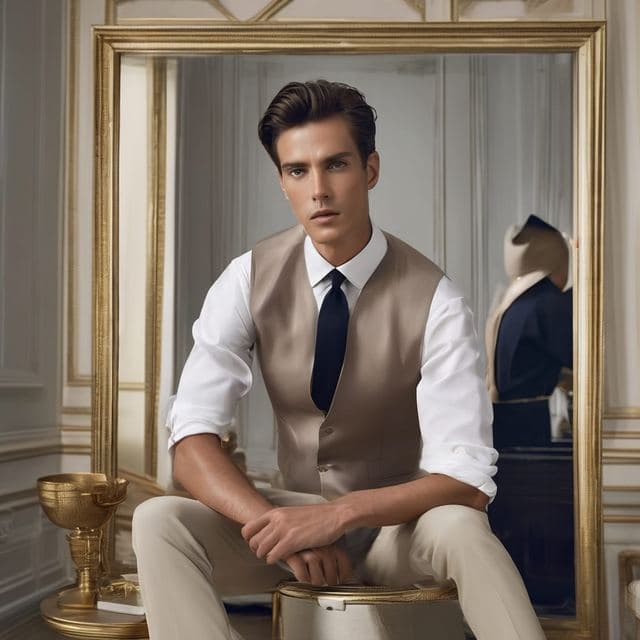
Classy Dating Photo for Men
Sophisticated (Male)
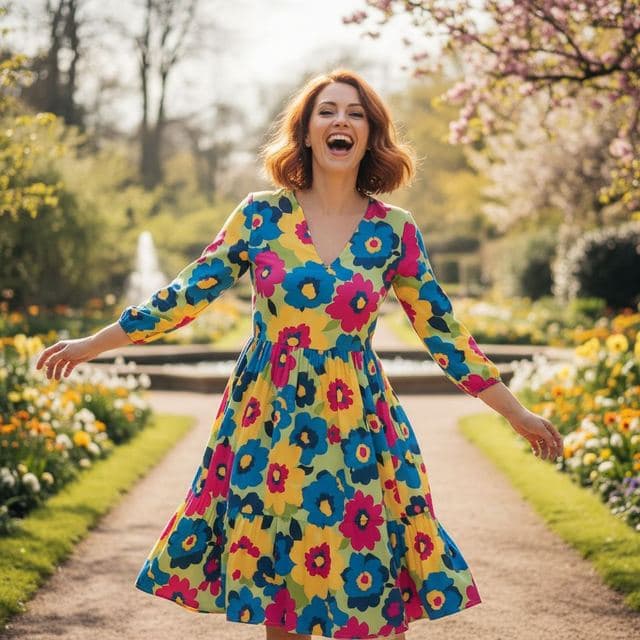
Fun Dating Profile Picture
Fun & Playful
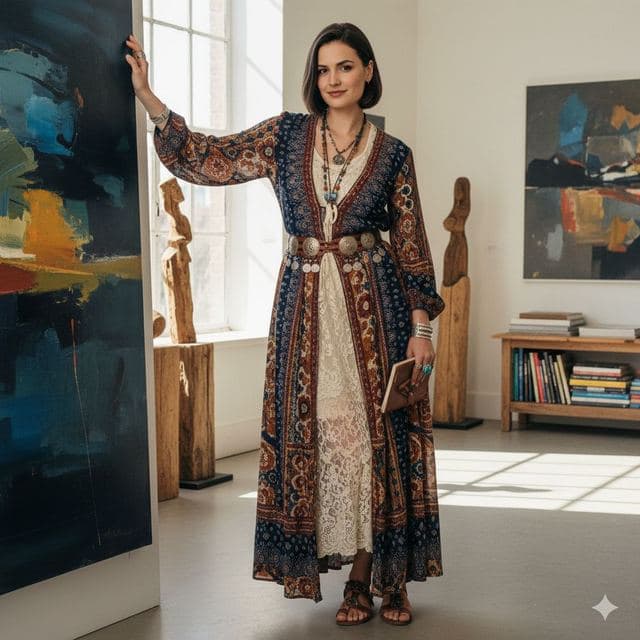
Artsy Dating Profile Picture
Artistic & Creative (Female)

Creative Dating Photo for Men
Artistic & Creative (Male)
All Dating & Social templates →
Related guides
AI dating profile photos, done honestly
Use AI face swap to make better dating profile photos without catfishing. Which shots to make, which templates fit, and what to keep real.
8 tips for a realistic face swap
Why some face swaps look fake and how to fix it: angle, light, sharpness, expression, hair, glasses and skin tone. Eight tips for any AI face swap app.


How to face swap on iPhone
Face swap on iPhone in five steps: install, pick a template or two photos, add a selfie, tap Swap Face, save. Works on iPhone and iPad with iOS 13 or later.