

The Romantic template, before your face is added.
Dating & Social template
Romantic Golden Hour Photo
The Romantic template is a close-up at sunset in a rose garden, smiling at someone just out of frame. It's warm and soft, and it gives a profile the feeling of a real moment rather than a pose.


- Template
- Romantic
- Category
- Dating & Social
- Style
- Warm and inviting
What's in the Romantic template
A man with dark styled hair in a light blue button-up shirt smiles broadly toward a woman whose shoulder and hair are visible at the right edge. Pink roses frame the shot, and the low sun glows behind him, giving warm golden light. He's framed from the chest up, head turned slightly to his left.
How to use the Romantic template
- Download Face Swap AI on iPhone or Android.
- Open the Dating & Social category and tap Romantic.
- Add a clear selfie from your camera or gallery, then tap Swap Faces.
- Your photo is ready in under a minute. Save it to Photos or share it.
What people use it for
- A warm, approachable dating photo
- Anniversary or Valentine's posts
- A soft-focus profile picture
Tips for a natural result
- Turn your head a little to one side, as if looking at someone next to the camera.
- A big, natural smile is the whole point of this template. Think of something funny before you take the selfie.
- Take the selfie in warm light, like late afternoon, so the golden tones match.
More advice in how to make a face swap look realistic.
Questions
Someone else is partly in the photo. Is that a problem?
Only the main face is swapped. The second person stays as they are in the template, partly visible at the edge.
Should I use a romantic photo as my first dating photo?
It's better as a second or third photo. Lead with a clear solo shot where your whole face is visible.
More Dating & Social templates

Casual Dating Profile Picture
Casual Dating
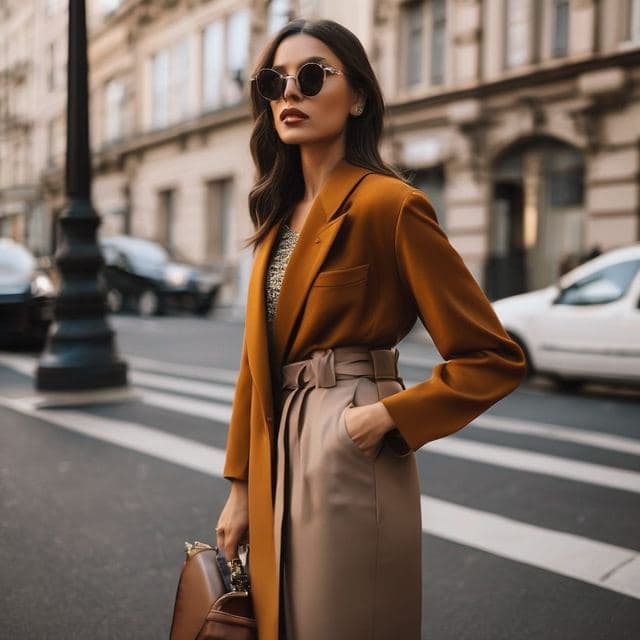
Stylish Dating Photos for Women
Stylish & Trendy (Female)

Stylish Dating Photos for Men
Stylish & Trendy (Male)
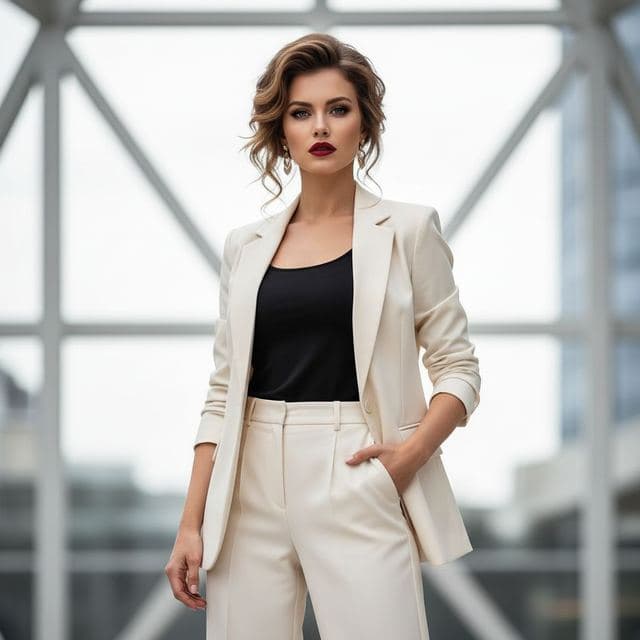
Confident Dating Photo for Women
Confident & Bold (Female)

Confident Dating Photo for Men
Confident & Bold (Male)

Hiking Dating Profile Picture
Outdoor Lifestyle

Elegant Dinner Date Photo for Women
Sophisticated (Female)
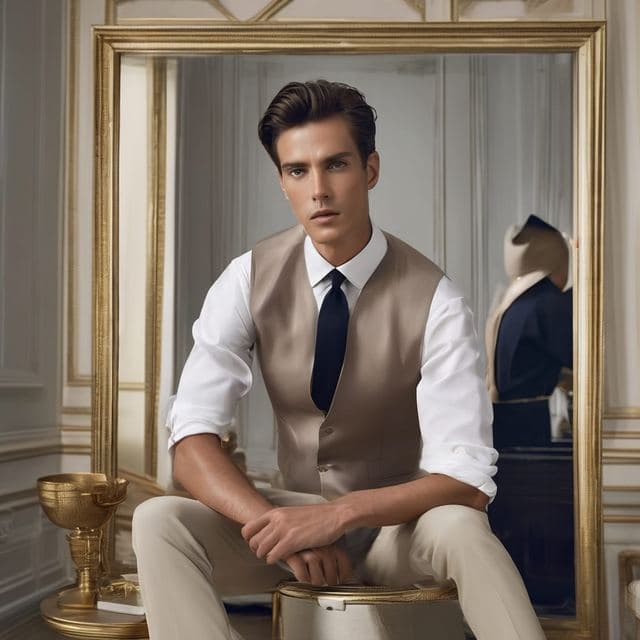
Classy Dating Photo for Men
Sophisticated (Male)
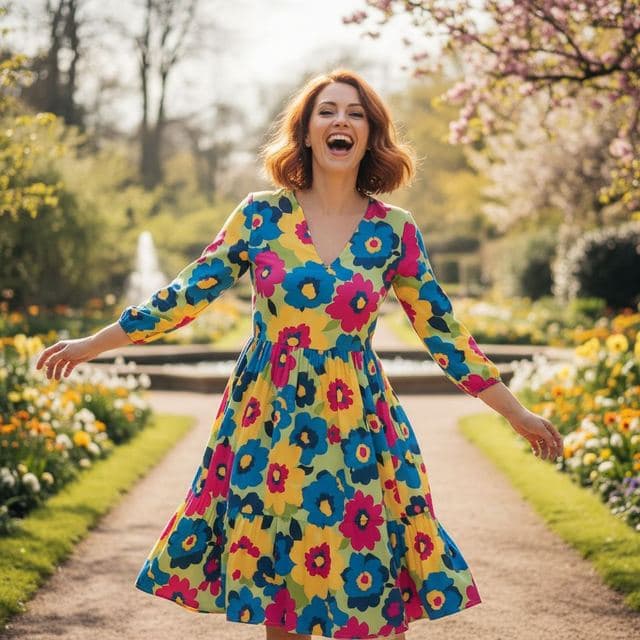
Fun Dating Profile Picture
Fun & Playful
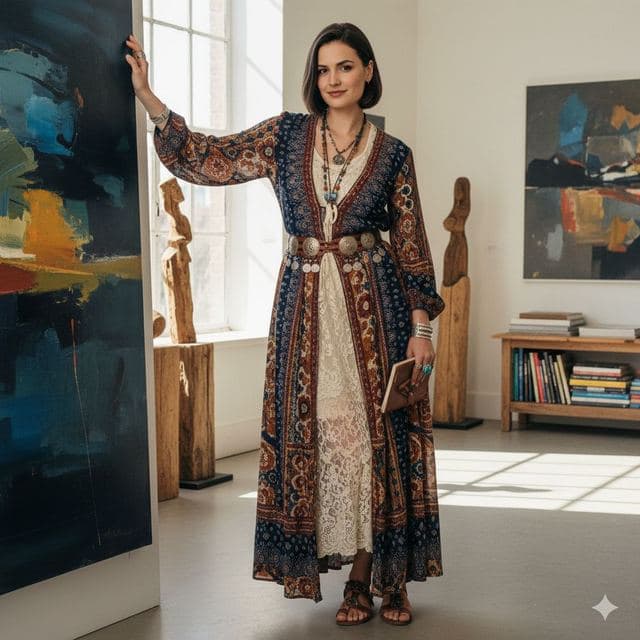
Artsy Dating Profile Picture
Artistic & Creative (Female)

Creative Dating Photo for Men
Artistic & Creative (Male)
All Dating & Social templates →
Related guides
AI dating profile photos, done honestly
Use AI face swap to make better dating profile photos without catfishing. Which shots to make, which templates fit, and what to keep real.


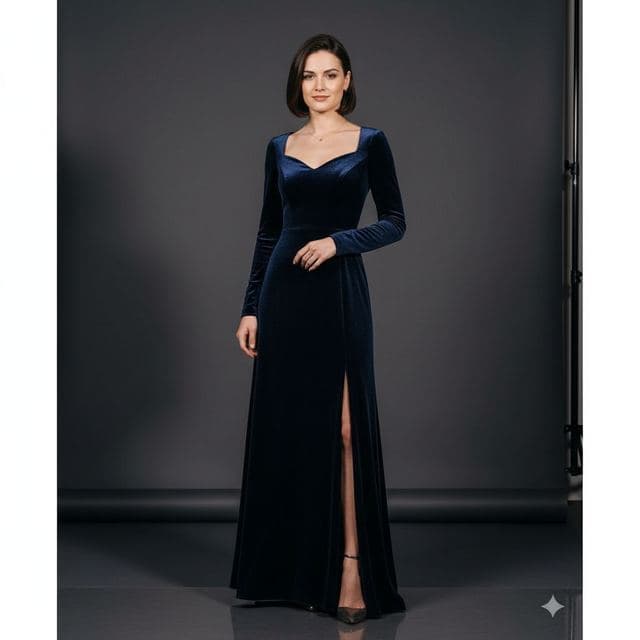
8 tips for a realistic face swap
Why some face swaps look fake and how to fix it: angle, light, sharpness, expression, hair, glasses and skin tone. Eight tips for any AI face swap app.


How to face swap on iPhone
Face swap on iPhone in five steps: install, pick a template or two photos, add a selfie, tap Swap Face, save. Works on iPhone and iPad with iOS 13 or later.