
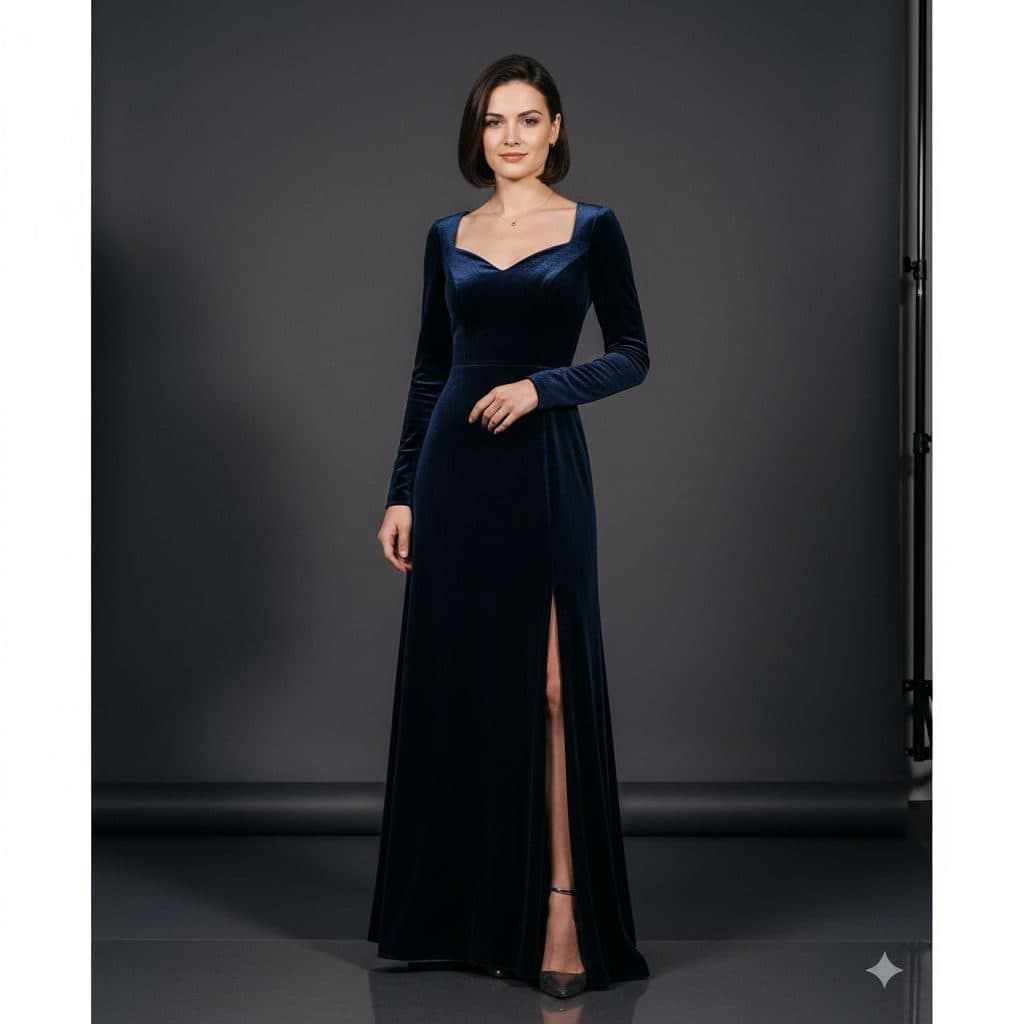
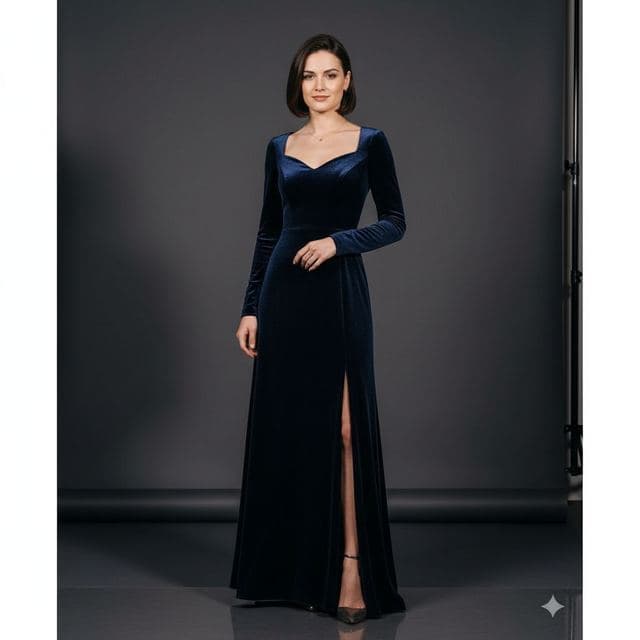
The Studio Glamour template, before your face is added.
Red Carpet & Glamour template
Glamour Portrait from a Selfie
Studio Glamour is a clean, classic glamour shot: a long navy velvet gown, a plain gray backdrop and soft studio light. With nothing else in the frame, the dress and your face carry the whole photo.


- Template
- Studio Glamour
- Category
- Red Carpet & Glamour
- Style
- Professional studio shot
What's in the Studio Glamour template
A woman with a sleek dark bob stands in a photo studio against a plain charcoal-gray paper backdrop. She wears a long-sleeved navy velvet gown with a sweetheart neckline and a high front slit, one hand resting at her waist. Soft, even studio light, framed full length, with a calm half-smile.
How to use the Studio Glamour template
- Download Face Swap AI on iPhone or Android.
- Open the Red Carpet & Glamour category and tap Studio Glamour.
- Add a clear selfie from your camera or gallery, then tap Swap Faces.
- Your photo is ready in under a minute. Save it to Photos or share it.
What people use it for
- Prints and framed gifts
- Elegant profile pictures
- Formal dress and prom inspiration
Tips for a natural result
- This is the best red carpet template for printing, because the plain backdrop has no busy detail.
- A calm half-smile matches the template.
- Use a close, sharp selfie. The full-length frame makes the face small.
More advice in how to make a face swap look realistic.
Questions
Why choose Studio Glamour over A-List Celebrity?
It's quieter. There are no photographers or crowd, so the result looks like a professional studio portrait rather than an event photo.
Will the bob haircut stay?
Yes, hair comes from the template. If you want long hair in a gown, try Royal Elite or A-List Celebrity.
More Red Carpet & Glamour templates

Red Carpet Photo of Yourself
Classic Hollywood
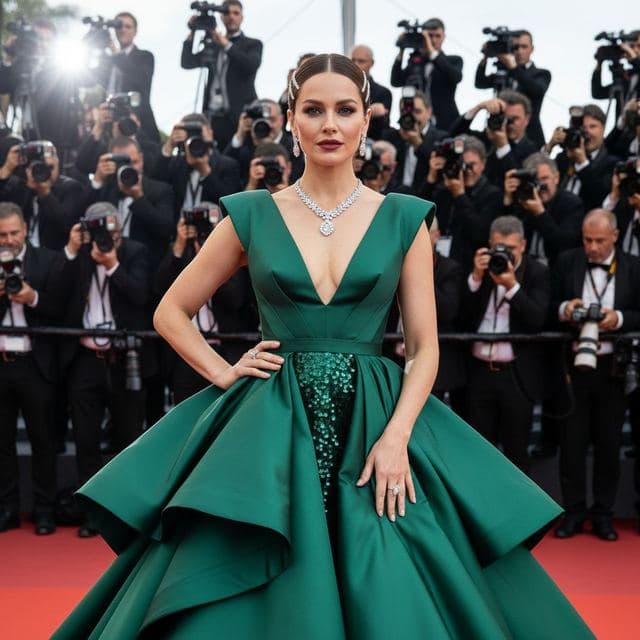
Red Carpet Gown Photo
A-List Celebrity

Photo of Yourself Winning an Award
Awards Show

Movie Premiere Photo
Movie Premiere
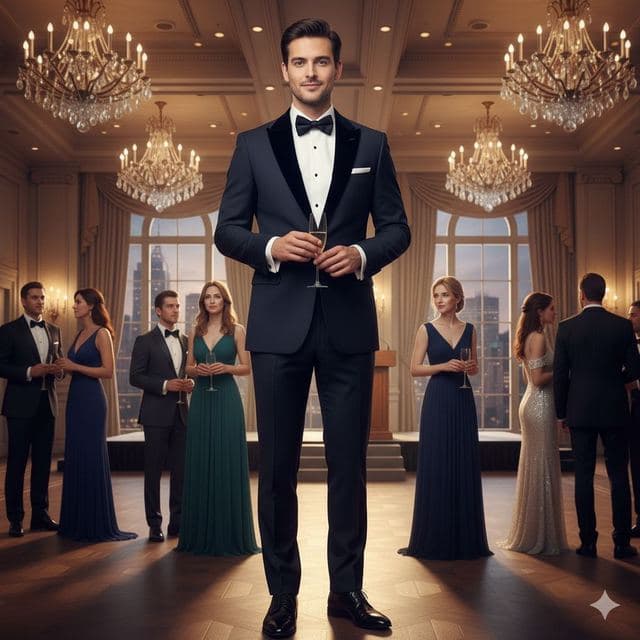
Black Tie Gala Photo
Charity Gala

Celebrity Style Red Carpet Photo
Modern Glamour
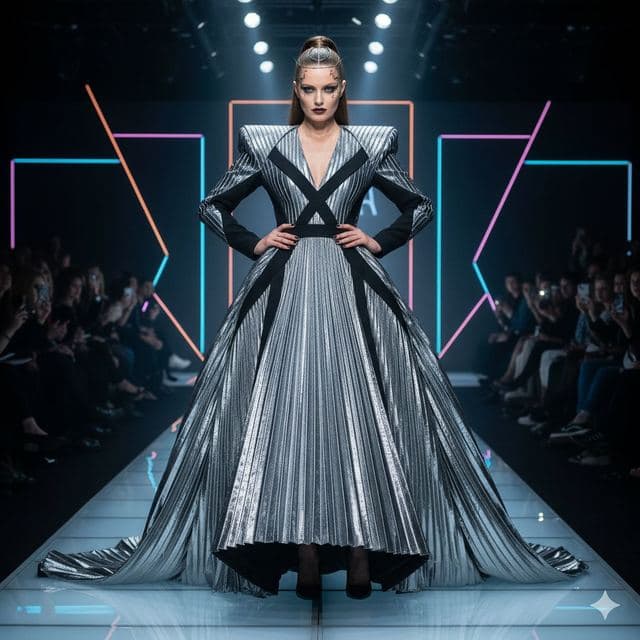
Runway Photo of Yourself
Fashion Week
All Red Carpet & Glamour templates →
Related guides

8 tips for a realistic face swap
Why some face swaps look fake and how to fix it: angle, light, sharpness, expression, hair, glasses and skin tone. Eight tips for any AI face swap app.

Best AI face swap app: a checklist
How to pick the best AI face swap app: realism, templates, watermarks, price, privacy and speed. A 7-point checklist, plus how Face Swap AI measures up.


Swap faces between two photos
Swap faces between any two photos on your phone: pick the face, pick the target, tap swap. How to match angle and light so the result looks real.