

The Movie Premiere template, before your face is added.
Red Carpet & Glamour template
Movie Premiere Photo
Movie Premiere puts you in front of a step-and-repeat wall covered in film posters, in a tuxedo with a big smile. It's the photo every fan secretly wants from opening night.


- Template
- Movie Premiere
- Category
- Red Carpet & Glamour
- Style
- Hollywood premiere
What's in the Movie Premiere template
A young man with neat dark hair smiles on a red carpet in a black tuxedo and bow tie, standing in front of a white step-and-repeat wall printed with posters and titles for made-up films. Bright, even press lighting, framed full length, facing the camera straight on.
How to use the Movie Premiere template
- Download Face Swap AI on iPhone or Android.
- Open the Red Carpet & Glamour category and tap Movie Premiere.
- Add a clear selfie from your camera or gallery, then tap Swap Faces.
- Your photo is ready in under a minute. Save it to Photos or share it.
What people use it for
- Opening night and film club posts
- Movie-themed birthday invitations
- Fun edits for film fans and creators
Tips for a natural result
- Smile with teeth. The template's smile is wide and open.
- The light is flat and bright, so a selfie facing a window works well.
- Face the camera square-on to match the frontal pose.
More advice in how to make a face swap look realistic.
Questions
Are the movie posters real films?
No. The titles and posters are invented, so you're not appearing at a real studio's premiere.
Is this good for a movie-night party invitation?
Yes. Swap the host's face in and add the date and time in any photo editor.
More Red Carpet & Glamour templates

Red Carpet Photo of Yourself
Classic Hollywood

Red Carpet Gown Photo
A-List Celebrity

Photo of Yourself Winning an Award
Awards Show
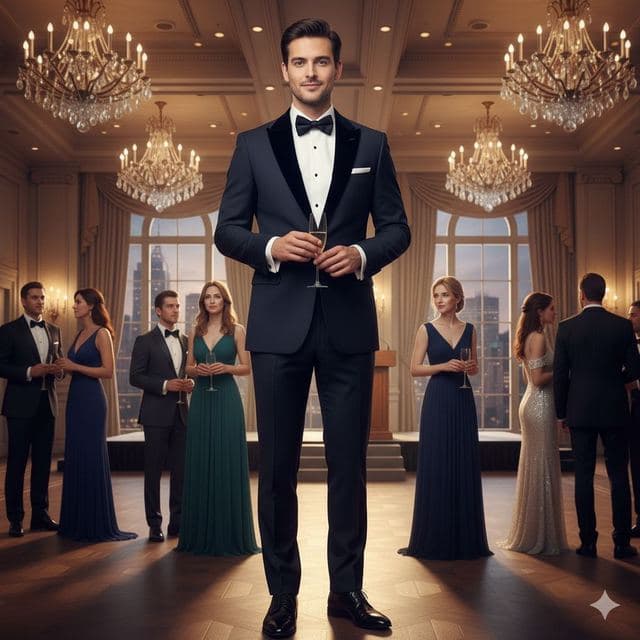
Black Tie Gala Photo
Charity Gala

Celebrity Style Red Carpet Photo
Modern Glamour
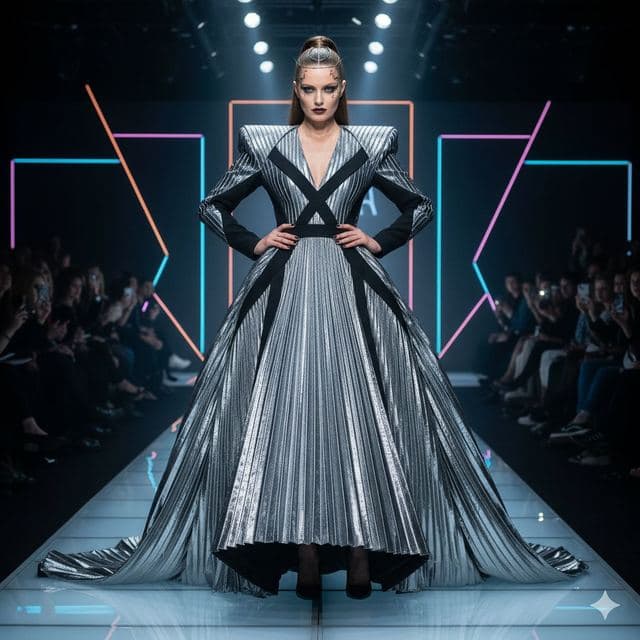
Runway Photo of Yourself
Fashion Week
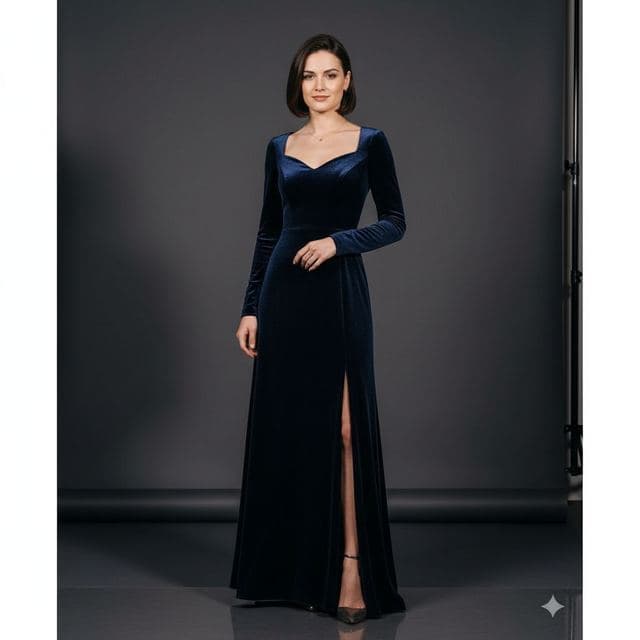
Glamour Portrait from a Selfie
Studio Glamour
All Red Carpet & Glamour templates →
Related guides

8 tips for a realistic face swap
Why some face swaps look fake and how to fix it: angle, light, sharpness, expression, hair, glasses and skin tone. Eight tips for any AI face swap app.

Best AI face swap app: a checklist
How to pick the best AI face swap app: realism, templates, watermarks, price, privacy and speed. A 7-point checklist, plus how Face Swap AI measures up.


Swap faces between two photos
Swap faces between any two photos on your phone: pick the face, pick the target, tap swap. How to match angle and light so the result looks real.