
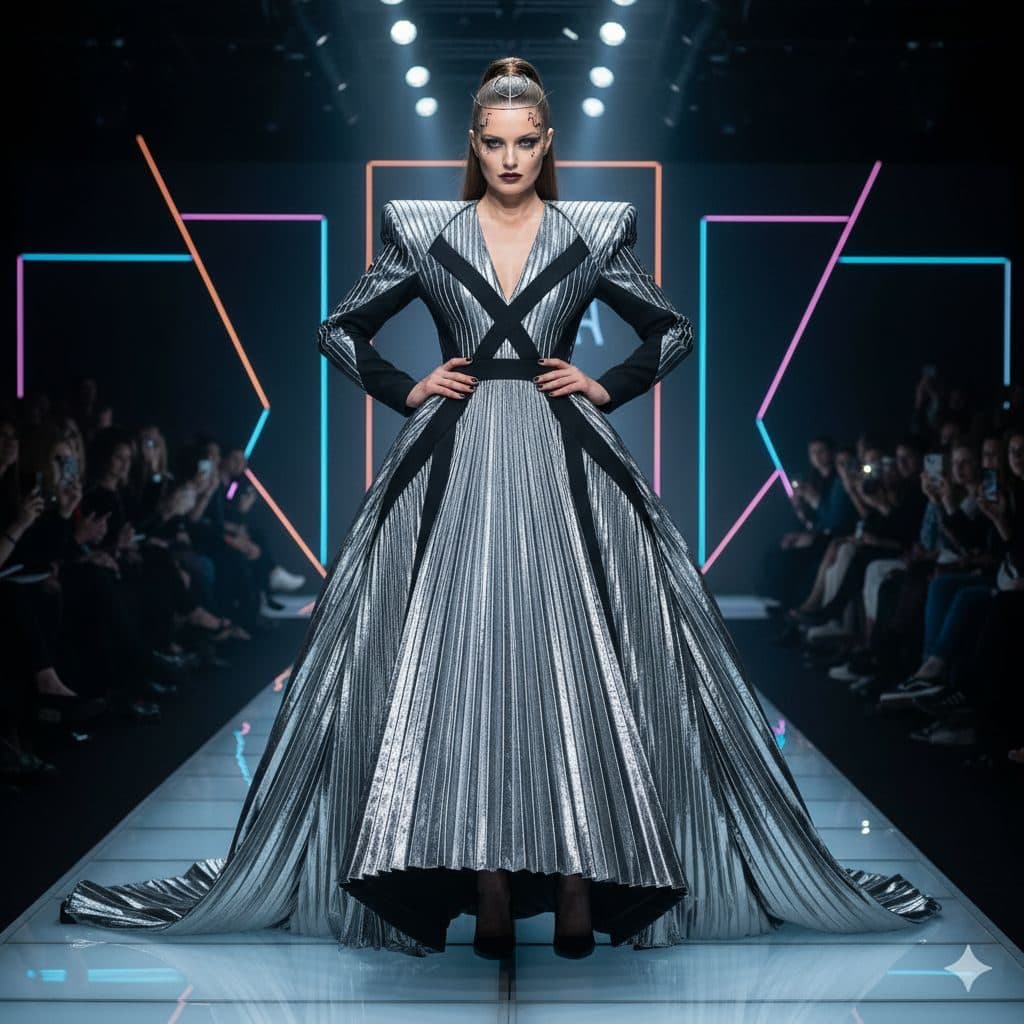
The Fashion Week template, before your face is added.
Red Carpet & Glamour template
Runway Photo of Yourself
Fashion Week puts you at the end of the runway in a sculptural silver gown, hands on hips, with neon frames and a front row behind you. It's the most editorial template in the app.


- Template
- Fashion Week
- Category
- Red Carpet & Glamour
- Style
- Runway editorial
What's in the Fashion Week template
A model with slicked-back hair stands at the end of a glossy runway in a dramatic pleated silver gown with structured shoulders and black crossed straps, hands on hips. Neon pink and blue frames glow behind her, and the audience sits in rows on either side. Cool stage light from above, framed full length.
How to use the Fashion Week template
- Download Face Swap AI on iPhone or Android.
- Open the Red Carpet & Glamour category and tap Fashion Week.
- Add a clear selfie from your camera or gallery, then tap Swap Faces.
- Your photo is ready in under a minute. Save it to Photos or share it.
What people use it for
- Fashion and style account posts
- Fashion student mood boards
- Birthday posts for anyone who loves clothes
Tips for a natural result
- Keep a neutral, serious face. Runway models don't smile, and a grin looks odd here.
- Your face is tiny in this frame. Use the sharpest selfie you have.
- Slicked-back hair stays from the template, so any hair length works.
More advice in how to make a face swap look realistic.
Questions
Why does my face look small in the result?
The runway shot is full length, so the face takes up little of the frame. That's normal for this template. For a closer result, try Studio Glamour or High Fashion.
Can I use this for a fashion school application?
Not as a portfolio piece, since the outfit isn't your design. It works as a fun mood-board image.
More Red Carpet & Glamour templates

Red Carpet Photo of Yourself
Classic Hollywood
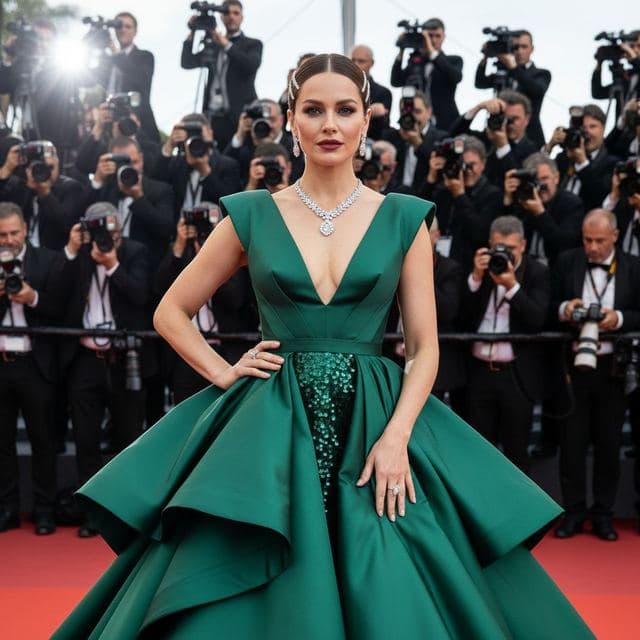
Red Carpet Gown Photo
A-List Celebrity

Photo of Yourself Winning an Award
Awards Show

Movie Premiere Photo
Movie Premiere
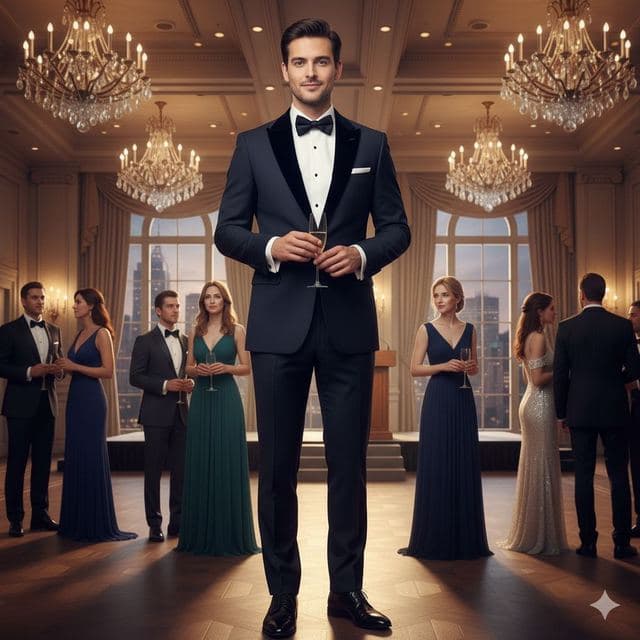
Black Tie Gala Photo
Charity Gala

Celebrity Style Red Carpet Photo
Modern Glamour
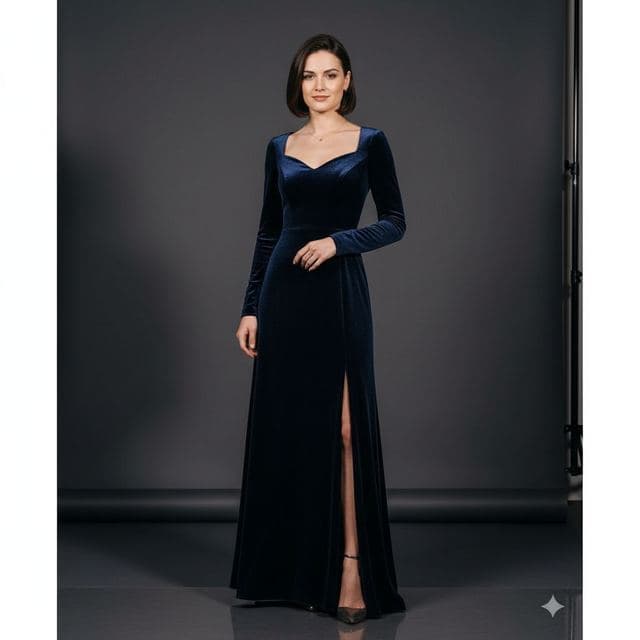
Glamour Portrait from a Selfie
Studio Glamour
All Red Carpet & Glamour templates →
Related guides

8 tips for a realistic face swap
Why some face swaps look fake and how to fix it: angle, light, sharpness, expression, hair, glasses and skin tone. Eight tips for any AI face swap app.

Best AI face swap app: a checklist
How to pick the best AI face swap app: realism, templates, watermarks, price, privacy and speed. A 7-point checklist, plus how Face Swap AI measures up.

Swap faces between two photos
Swap faces between any two photos on your phone: pick the face, pick the target, tap swap. How to match angle and light so the result looks real.